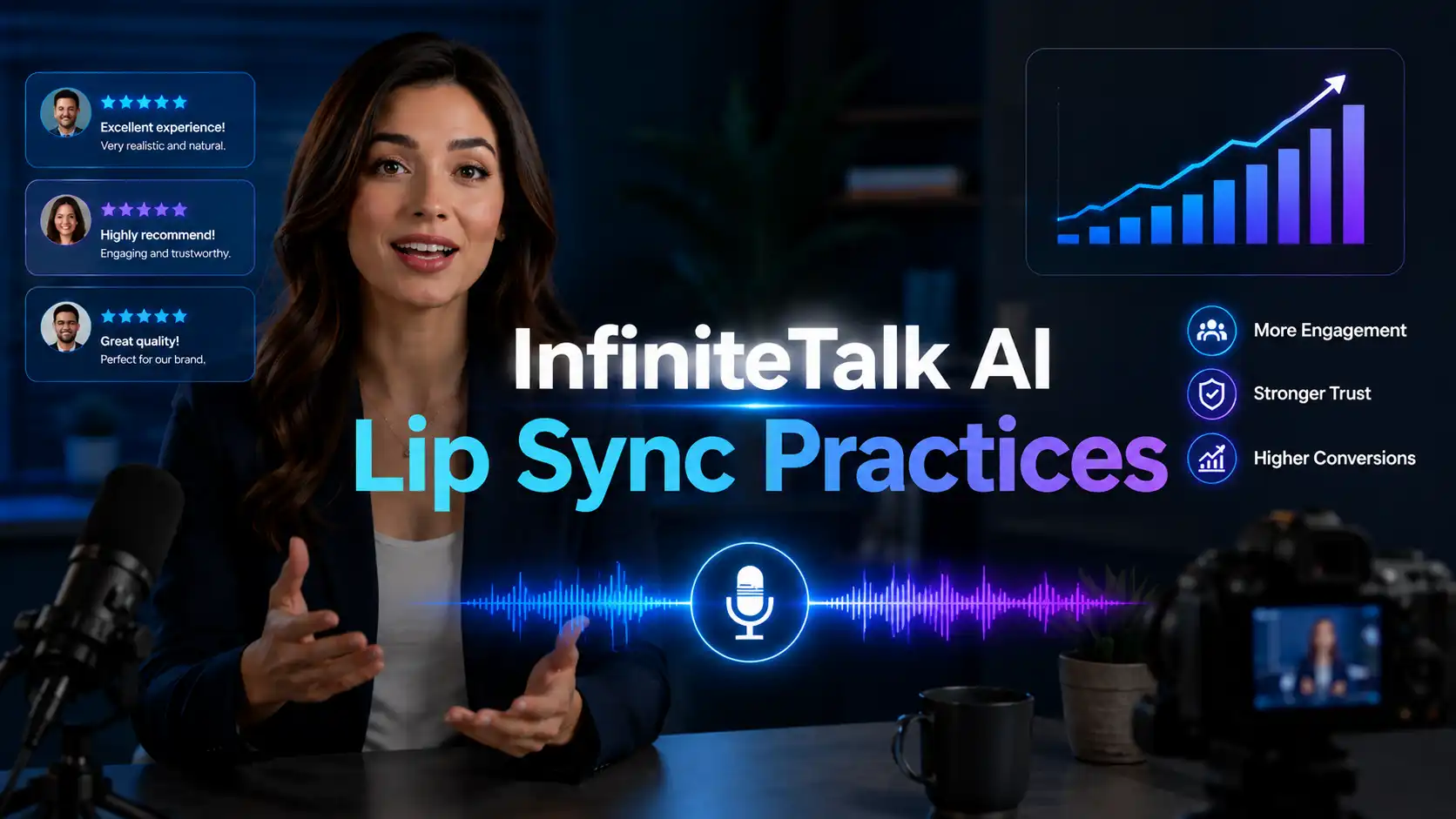
Natural AI lip sync is more than mouth movement. A professional talking video needs the voice, lips, face, timing, head motion, and body language to feel connected.
InfiniteTalk AI supports this audio-driven workflow by syncing lips, expressions, head movement, and body motion from audio while helping maintain identity in longer videos.
This guide shares practical AI lip sync best practices for creating more natural, polished, and business-ready talking videos.
What Makes AI Lip Sync Look Natural?
Not just mouth sync. It is performance sync.
A natural AI lip sync video does not depend on lip movement alone. Viewers judge the whole speaking performance in seconds. If the mouth moves correctly but the face feels frozen, the video can still feel unnatural.
The strongest talking videos usually include five elements:
Accurate Mouth Timing
The mouth should open, close, and shape words in rhythm with the speech. Good timing helps the viewer believe that the voice belongs to the person on screen.
Natural Facial Expression
A calm voice should not have exaggerated facial motion. An excited voice should not look emotionless. Facial expression sync helps the video feel more human.
Head and Body Motion
Small head movements, posture shifts, and subtle gestures make a talking avatar feel alive. This matters for AI spokesperson videos, course presenter videos, and business training videos.
Stable Identity
The face, clothing, style, and overall identity should remain consistent. For brands, stable identity is important because the same presenter may appear across many videos.
Clear Speech Rhythm
Natural pauses, emphasis, and sentence flow make the output easier to watch. A realistic talking avatar depends on both visual quality and voice rhythm.
🔊 Behind the scenes:
InfiniteTalk uses sparse-frame video dubbing. This method keeps key visual frames as anchors, helping preserve identity, facial details, gestures, and scene continuity while syncing lips, expressions, head movement, and body motion from audio.
Why Do AI Lip Sync Videos Sometimes Look Wrong?
Even with a strong AI lip sync generator, the final result depends heavily on the inputs.
❗ Background Noise
Noise, echo, music, or overlapping voices can make it harder for the model to follow the speech clearly.
This is especially important for voiceover to video AI and podcast to video workflows.
❗ Speech Is Too Fast
Very fast narration can reduce clarity. Mouth motion needs time to follow syllables, pauses, and emotional rhythm.
Fast speech can also make subtitles harder to read.
❗ The Face Is Blocked
Hands, microphones, hair, shadows, masks, or extreme camera angles can reduce the clarity of the mouth area.
❗ Emotion Is Too Extreme
If the voice sounds very angry, excited, or dramatic, but the visual source is calm or neutral, the output may feel mismatched.
❗ Long Videos Need More Consistency
Longer talking videos may require more attention to pacing, identity preservation, and segment planning.
A long script should feel like a structured presentation, not one endless block of speech.
❗ Different Languages Have Different Rhythms
English, Spanish, French, Japanese, and other languages do not share the same sentence rhythm.
In multilingual lip sync and AI video localization, translated scripts may need rewriting so the timing feels natural.
How to Improve AI Lip Sync Video Quality?
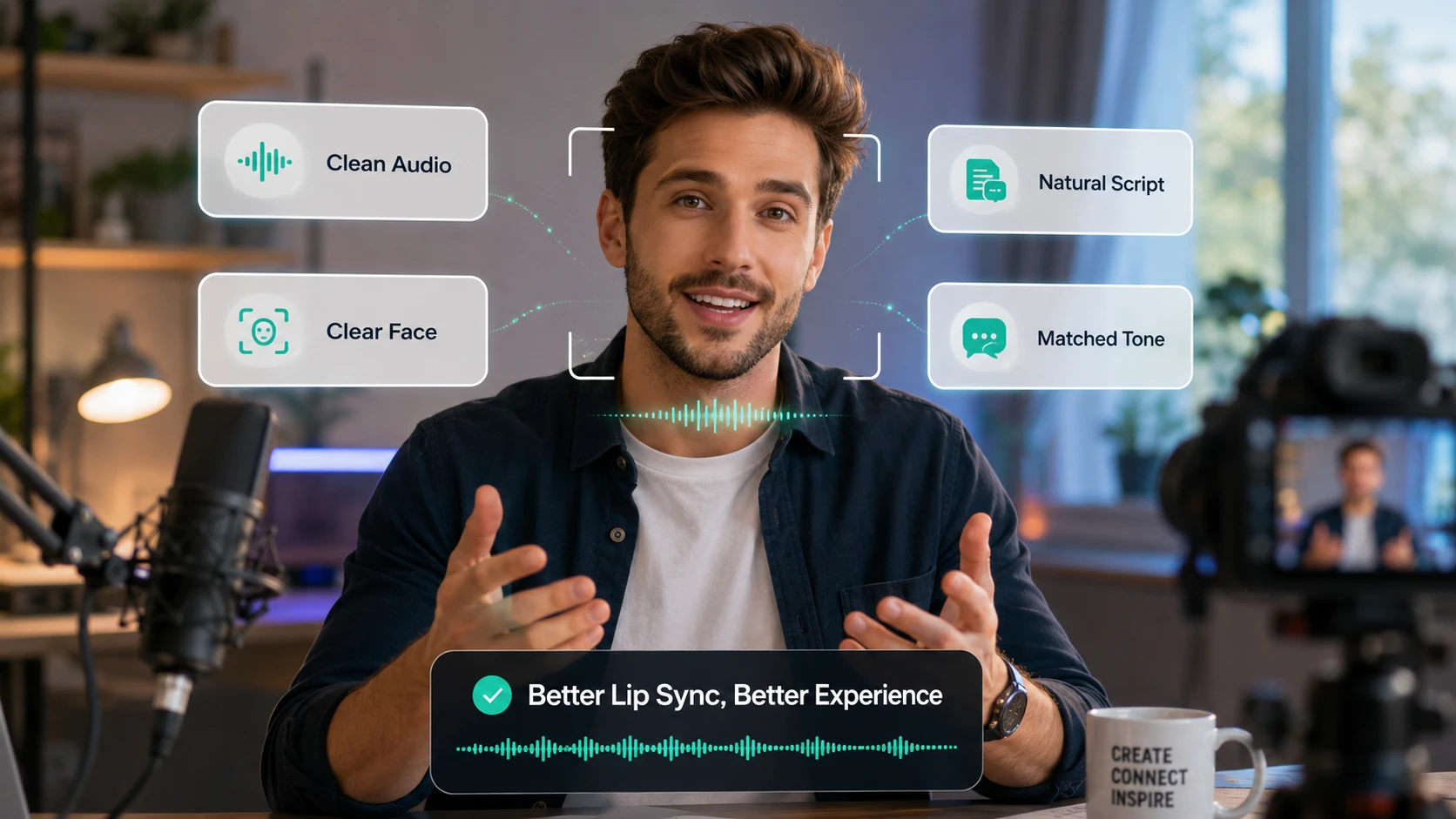
Prepare the performance before clicking generate.
For creators and businesses, the goal is not to over-edit after generation, but to prepare better source material from the beginning.
✅ Use Clean Audio
Clear audio is the foundation of natural lip sync.
Use audio with:
Low background noise
Stable volume
Clear pronunciation
Natural pauses
Moderate speaking speed
Minimal speaker overlap
For AI dubbing, training videos, and product explainers, clarity is more important than dramatic performance.
✅ Choose a Clear Face Reference
A strong visual source helps the model create a stronger speaking performance.
Use:
A clear face
Stable lighting
Visible mouth area
Front-facing or slight-angle portraits
Simple background
Consistent character style
For business content, avoid overly stylized or distracting visuals. A clean presenter image is often better than a complex scene.
✅ Write Natural Spoken Scripts
A script that reads well on paper may not sound natural when spoken. AI talking video scripts should feel conversational.
Avoid long, packed sentences.
Use shorter lines and natural pauses.
Weak script:
Our platform enables comprehensive business communication solutions across different vertical scenarios.
Better script:
Need to explain your product faster? Start with a clear message, add a voiceover, and turn it into a natural talking video.
The second version is easier to speak, easier to sync, and easier for viewers to understand.
✅ Match Voice and Visual Style
The voice should match the avatar.
For example:
Product demo video: confident and clear
Customer support video: warm and helpful
Training video: calm and instructional
Podcast clip: expressive and conversational
Sales video: professional and persuasive
Character video: more playful or dramatic
A strong match between voice, face, and purpose makes the final video feel more believable.
What Business Use Cases Need Natural AI Lip Sync Most?
Use natural lip sync where trust matters.
AI lip sync is useful for entertainment, but its strongest commercial value appears when the viewer needs to trust the speaker.
AI Product Demo Videos
A natural AI spokesperson video can guide users through product value, workflows, and next steps without requiring the founder or team to record every update.
💡 Best for:
SaaS explainer videos
App walkthroughs
AI product demos
Landing page videos
Feature introduction clips
Natural lip sync makes the presenter feel more credible, which can help visitors understand the product faster.
InfiniteTalk AI Product Video Guide 📑
AI Training Videos
Training content needs clarity and consistency. A realistic AI course presenter can explain onboarding, compliance, internal processes, or customer education materials in a repeatable way.
💡 Best for:
Employee training videos
Online course lessons
Internal SOP videos
Professional learning clips
Microlearning content
When the voice, facial expression, and body motion feel aligned, learners are more likely to stay focused.
InfiniteTalk AI Training Video Guide 📑
AI Customer Support Videos
Support teams can turn help articles, FAQ answers, refund steps, billing guides, or troubleshooting scripts into short AI customer support videos.
💡 Best for:
Help center videos
Onboarding tutorials
Account setup guides
Product troubleshooting
Customer education clips
Natural lip sync makes the support avatar feel more helpful and less robotic.
InfiniteTalk AI Customer Support Video Guide 📑
AI Podcast and Interview Clips
Podcasters and thought leaders can turn audio clips into AI podcast videos, AI interview videos, and talking avatar clips for YouTube Shorts, Reels, TikTok, LinkedIn, and newsletters.
💡 Best for:
Expert interviews
Founder opinions
Business commentary
Educational podcasts
Creator economy clips
A natural talking avatar gives audio content a visual identity.
InfiniteTalk AI Podcast Video Guide 📑
Multilingual Video Localization
Global brands need localized videos that feel native, not pasted together. Descript frames lip sync as a way to make dubbed videos look natural and authentic by aligning mouth movements with translated audio.
💡 Best for:
AI video localization
Multilingual training videos
Product demo translation
Global customer support
Localized marketing videos
For businesses, better lip sync can make translated videos feel more professional across markets.
What Mistakes Should You Avoid in AI Lip Sync Videos?
This section is not about fixing poor quality after the fact. It is about avoiding choices that reduce the professionalism of your final video.
Mistake 1: Using One Long Script
Long scripts can feel flat and hard to review.
✅ How to Fix:
Break content into shorter sections with one message per video.
Mistake 2: Choosing a Visual Style That Does Not Fit the Audience
A playful character may work for TikTok, but not for a B2B product demo.
✅ How to Fix:
Match the avatar to the use case, platform, and viewer expectation.
Mistake 3: Ignoring Captions
Even with accurate lip sync, many viewers watch videos on mute first.
✅ How to Fix:
Add subtitles, speaker labels, and short topic cards.
Mistake 4: Using Overly Formal Language
Corporate language can sound stiff when spoken.
✅ How to Fix:
Write like a real person talks. Use active verbs, short sentences, and clear examples.
Mistake 5: Publishing Without Review
AI can speed up production, but business videos still need human judgment.
✅ How to Fix:
Check mouth timing, voice clarity, identity stability, subtitle accuracy, emotional tone, and CTA before publishing.
Mistake 6: Using Unlicensed Faces or Voices
Trust matters, especially in commercial content.
✅ How to Fix:
Use original avatars, approved presenters, licensed assets, or your own brand characters.
Better lip sync. Stronger trust. Greater growth.
The value of InfiniteTalk AI is not only faster video generation. The deeper value is better communication.
When mouth timing is accurate, voice clarity is strong, facial expression feels natural, and the presenter style matches the message, viewers are more likely to watch, understand, and trust the content.
For businesses, that trust can turn into stronger engagement, better customer education, higher conversion potential, and long-term growth.
Start with one clear voiceover.
Choose one strong presenter image or video.
Write one useful message.
Then turn it into a natural lip-synced video with InfiniteTalk AI.
Related Articles
How to Create AI Sales Videos for Business with InfiniteTalk
Learn how to create AI sales videos for business with talking avatars, voiceovers, natural lip sync, and repeatable sales video workflows.
How to Create AI Podcast Videos with InfiniteTalk AI
Learn how to create AI podcast videos with InfiniteTalk AI, turning audio, interviews, and voice clips into visual avatar content.