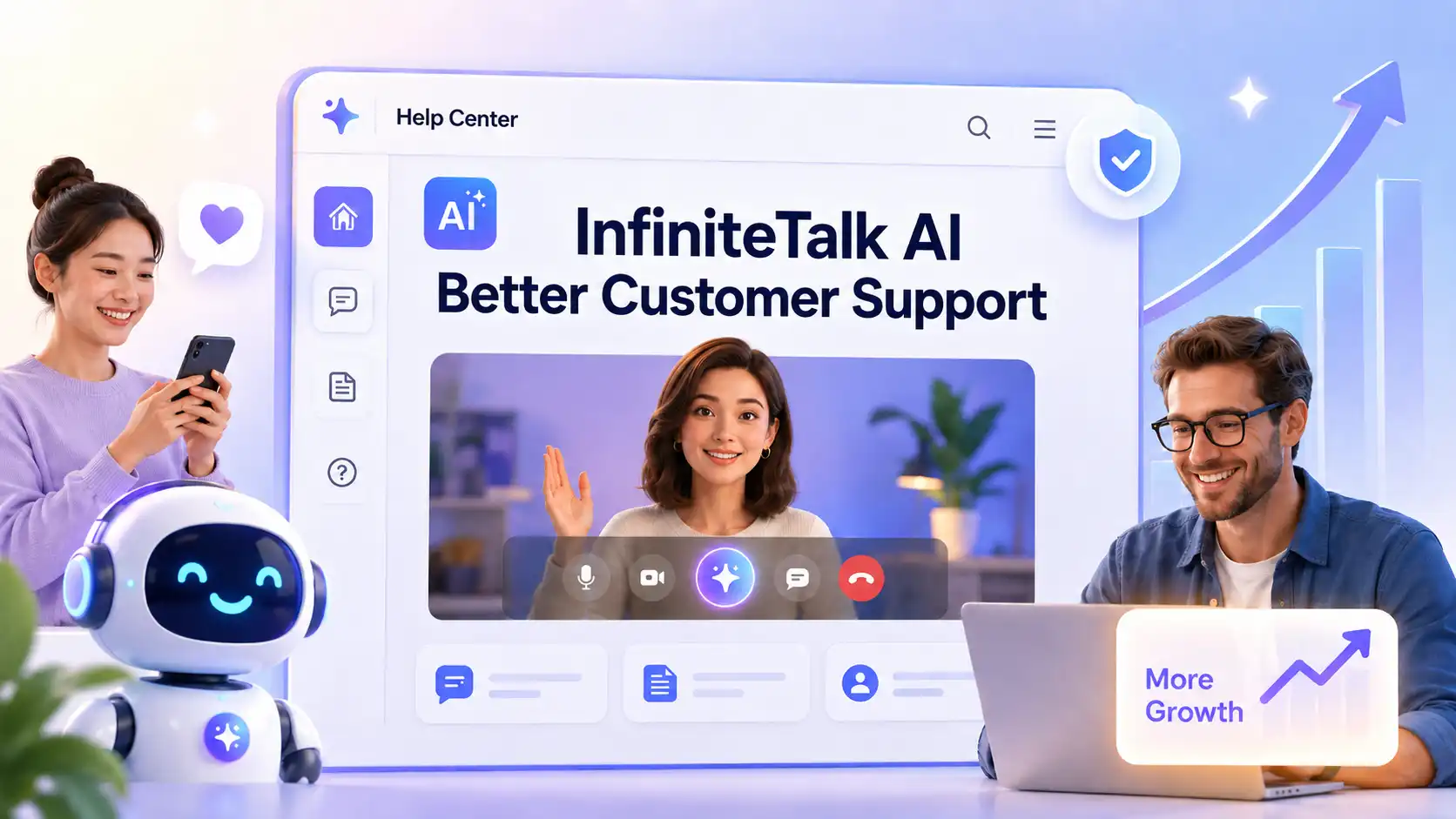
Every product needs support. Every customer wants answers fast.
For many businesses, customer support is not only about solving problems. It is about building trust.
When users get stuck, they do not always want to read a long help article, wait for an email reply, or explain the same issue to a support agent. They want clear, accurate, and easy-to-follow guidance.
That is why AI customer support videos are becoming useful.
InfiniteTalk AI, an audio-driven video generator, can help businesses turn support scripts, voiceovers, and avatar images into reusable customer support videos.
Instead of relying only on text-based FAQs, businesses can turn common support questions into short, helpful AI talking avatar videos.
Explore More About InfiniteTalk AI 👉
What Are AI Customer Support Videos?
Clear answers become watchable support.
AI customer support videos are help videos where an AI presenter, digital support avatar, or talking character explains a customer question, product step, or troubleshooting process.
They are different from chatbots. A chatbot answers questions in a conversation.
An AI support video turns existing support content into a visual explanation that customers can watch anytime.
💡 Common formats include:
FAQ videos
Help center videos
Product setup videos
Troubleshooting videos
Customer onboarding videos
Refund and billing guide videos
Account setup tutorials
How-to support videos
Multilingual support videos
Post-purchase instruction videos
The key idea is simple: AI customer service videos make support content easier to watch, understand, and reuse.
Why Do Businesses Need AI Customer Support Videos?
Better support starts before the ticket is created.
Text documentation is useful, but it does not always match how people want to learn. AI support videos can help solve several practical problems.
Repeated Customer Questions
✅ Support teams often answer the same questions again and again:
How do I start?
How do I reset my password?
How do I connect this feature?
How do I change my plan?
How do I cancel or update billing?
Why is my upload not working?
Instead of replying manually every time, businesses can create reusable FAQ videos and place them inside help center articles, email replies, onboarding flows, or live chat responses.
Complex Product Steps
Some support topics are hard to explain with text only. High-tech product , AI tools, mobile apps, and e-commerce services often require users to follow several steps.
✅ AI customer support videos can combine:
A talking avatar explanation
Screen recordings
UI screenshots
Step labels
Highlighted buttons
Short captions
This makes setup guides and troubleshooting instructions easier to follow.
Lower Pressure on Small Teams
Small teams may not have a large support department, video team, or training staff. But customers still expect fast help.
With an AI support video workflow, a small business can turn support scripts into video answers without filming a real person every time. This helps reduce repetitive support workload while keeping the customer experience more professional.
Easier Multilingual Help
Many businesses serve customers who prefer different languages. Creating multilingual support videos with human presenters can be expensive and slow.
With new voiceovers and a consistent AI support avatar, businesses can produce localized help videos for different audiences while keeping the same visual style.
How Can AI Support Videos Improve Customer Experience?
Good support reduces friction before users leave.
AI customer support videos can help businesses create a smoother experience from first signup to long-term product use.
They can help:
Reduce repeated support tickets
Improve onboarding completion
Help customers understand key features
Make troubleshooting easier
Support multilingual users
Increase trust in the product
For businesses, the value is not only faster video production.
When users understand the product faster, they are more likely to keep using it.
AI Customer Support Videos Creation Guide

Creating AI support videos does not need to be complicated. The best workflow begins with existing support content and turns it into a clear, watchable answer.
Step 1: Choose the Most Common Support Question
Do not start with a random topic. Start with the problem that creates the most confusion or the most support tickets.
💡 Good topics include:
Account setup
Password reset
First product setup
Feature walkthrough
Billing update
Refund process
Shipping status
Upload error
Integration setup
Plan comparison
Troubleshooting steps
A strong support video should answer one clear question. If the topic is too large, split it into several short videos.
Step 2: Write a Clear Support Script
A support script should be simple, specific, and action-focused. Avoid marketing language. The customer is looking for help, not a sales pitch.
✅ A useful script structure is:
Problem: What is the user trying to solve?
Quick answer: What is the main solution?
Step-by-step guide: What should the user do first, next, and last?
Common mistake: What should the user avoid?
Next action: What should they do if the issue continues?
Example structure:
“First, open your account settings. Next, choose Billing. Then, select Update Payment Method. If your card is declined, check that the billing address matches your bank records. If the problem continues, contact our support team.”
This type of script works well because it is direct and easy to follow.
Step 3: Prepare the Right Voice and Avatar
For AI customer support videos, the voice should feel calm, friendly, and trustworthy. Avoid overly dramatic or fast-paced narration.
💡 Good support audio should have:
Clear pronunciation
Stable volume
Natural pauses
No background noise
A helpful tone
Moderate speaking speed
💡 The avatar should also match the support context.
A business help center may need a clean and professional presenter.
A consumer product may use a warmer, friendlier avatar.
A brand community may use a more casual digital host.
The goal is to make the viewer feel supported, not distracted.
Step 4: Add Helpful Visual Elements
A support video should not rely only on a talking avatar. The best customer service videos combine presenter guidance with practical visual proof.
✅ After video generated, add elements such as:
Screen recordings
Product screenshots
Click highlights
Numbered steps
Captions
Error message examples
Before-and-after states
Summary cards
Links to related help articles
The avatar explains the process, while the visuals show exactly what the customer should do.
What Mistakes Should You Avoid?
AI customer support videos work best when they are accurate, specific, and easy to act on.
Avoid these common mistakes.
Making the Video Too Long
❌ Mistake: Trying to explain every support topic in one video.
Long videos can overwhelm customers who only need one answer.
✅ How to fix it:
Create one video for one problem. Break long tutorials into smaller support clips, such as setup, billing, troubleshooting, and next steps.
Using a Generic Script
❌ Mistake: Writing vague instructions like “go to your settings and update your information.”
This does not help if users need exact guidance.
✅ How to fix it:
Use real product language. Mention button names, page names, menu paths, and common user errors. The more specific the script, the more useful the video becomes.
Using Poor Audio
❌ Mistake: Uploading unclear voiceover with noise, echo, or rushed speech.
Bad audio makes the support video feel unprofessional.
✅ How to fix it:
Use clean narration, stable volume, and natural pacing. For customer support, clarity matters more than performance.
Forgetting to Update Old Videos
❌ Mistake: Leaving outdated support videos online after the product interface changes.
This can create more confusion and more tickets.
✅ How to fix it:
Review support videos when product pages, pricing, policies, or workflows change. AI video workflows make updates easier, so use that advantage.
Ignoring Human Review
❌ Mistake: Publishing the video without checking the final answer.
AI can help produce content faster, but support accuracy still needs human judgment.
✅ How to fix it:
Before publishing, review the video for correct steps, clear speech, accurate captions, working links, and current product information.
Using an Untrusted Avatar Style
❌ Mistake: Choosing an avatar that feels too unrealistic, too playful, or unrelated to the brand.
Support videos need trust.
✅ How to fix it:
Choose a presenter style that matches your audience. A professional product support video should feel calm, helpful, and credible.
Better Support Brings More Growth
InfiniteTalk AI can help transform scripts, voiceovers, and avatar images into AI customer support videos for help centers, product onboarding, customer education, and multilingual support.
Better support videos create a better customer experience. When users get answers faster and feel more comfortable with the product, they are more likely to trust the brand, stay longer, and bring greater growth potential.
Once you understand how to turn scripts into talking avatar videos, you can explore more possibilities.
Explore InfiniteTalk AI Avatar Product Videos Guide 📑
If you want to make customer support clearer, faster, and easier to scale, try creating your first AI support video with InfiniteTalk AI today.
Related Articles
How to Create AI Sales Videos for Business with InfiniteTalk
Learn how to create AI sales videos for business with talking avatars, voiceovers, natural lip sync, and repeatable sales video workflows.
AI Lip Sync Best Practices with InfiniteTalk AI
This guide shares InfiniteTalk AI lip sync best practices for creating more natural, polished, and business-ready talking videos.