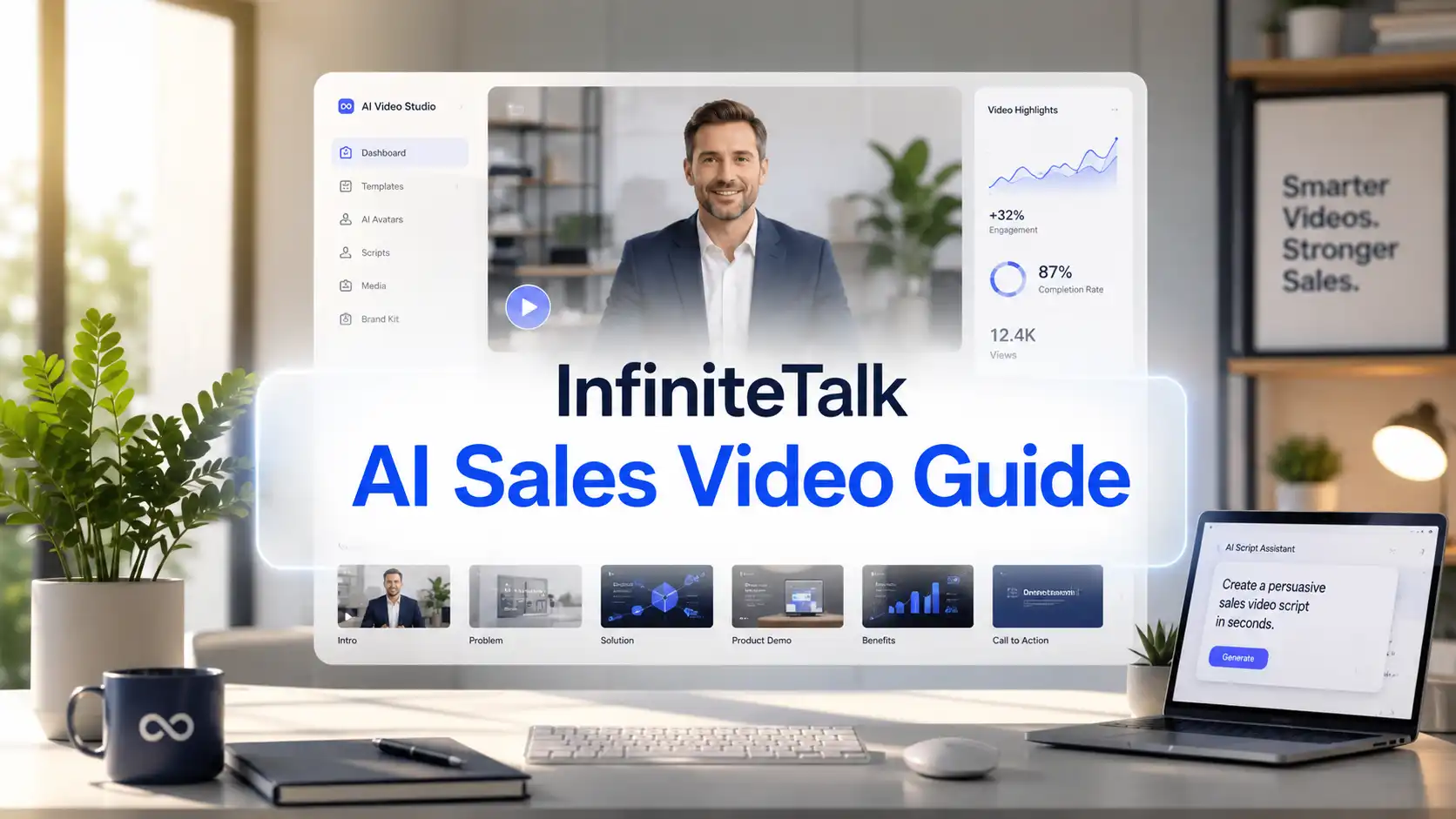
Sales teams repeat the same explanations every day. But long emails are easy to ignore. Live calls take time. Product pages do not always answer every buyer question.
That is why more businesses are using AI sales videos to make sales communication clearer, faster, and easier to scale.
With InfiniteTalk AI, businesses can turn sales scripts, voiceovers, and presenter images into natural talking videos for outreach, demo follow-up, proposal recaps, product explanations, and buyer education.
This guide explains how to create AI sales videos for business without filming every message from scratch.
Why Do Businesses Need AI Sales Videos?
Clearer sales messages create faster buyer trust.
Modern buyers do a lot of research before they talk to a sales team. If your message is hard to understand, buyers may move on before they book a call.
That is where AI videos for sales outreach can help.
An AI sales video is a short video created to support a specific step in the sales process. Unlike general marketing videos, AI sales videos are usually more direct and practical.
A good sales video can:
Explain the offer faster than a long email
Make a product feel easier to understand
Give the brand a more human presentation style
Keep sales messaging consistent across the team
Help small teams create more sales assets with less filming
Support buyers after a demo or sales call
Turn common questions into reusable video answers
Instead of recording every message manually, businesses can create a small library of AI business videos for different sales moments.
A strong AI sales video generator workflow helps businesses communicate faster without making the message feel cold or robotic.
How to Create an AI Sales Video Step by Step?
Start with the sales moment.
A good sales video begins with a clear purpose. Before writing a prompt or choosing an avatar, decide what the video needs to accomplish.
Step 1: Choose One Sales Goal
Every video should have one goal.
Examples:
Book a demo
Get a reply
Explain one feature
Answer one objection
Summarize a proposal
Encourage a free trial
Invite the buyer to compare plans
Move the conversation to the next call
If the goal is unclear, the video will feel unfocused.
Step 2: Write a Short Sales Script
A strong sales script should sound helpful, not pushy.
Use this simple structure:
Hook: Name the buyer’s problem
Value: Explain how your product helps
Proof or context: Give a use case or practical reason
Next step: Tell the viewer what to do
For example:
Many small teams lose time repeating the same product explanation. A short AI sales video can turn that message into a reusable asset for outreach, demo follow-up, and proposal support. Start with one buyer question, create one clear script, and guide the prospect to the next step.
Keep the language conversational. Sales videos should sound like a helpful person talking, not a corporate brochure.
Step 3: Prepare a Clear Voiceover
The voiceover controls the rhythm of the video.
For better voiceover to sales video results, use audio with:
Clear pronunciation
Stable volume
Natural pauses
Moderate speaking speed
Low background noise
One speaker at a time
Do not rush. A buyer needs time to understand the message.
Step 4: Choose a Professional Presenter Style
For business sales videos, the presenter should match the audience.
A product sales video may need a clean, confident presenter.
A creator tool may allow a more expressive avatar.
A consulting proposal may need a calm, professional spokesperson.
Choose a visual style that supports trust.
Good options include:
Professional AI presenter
Founder-style avatar
Friendly business spokesperson
Product expert character
Customer success presenter
Branded virtual spokesperson
Avoid overly flashy visuals if the buyer expects a serious B2B message.
Step 5: Generate the Talking Sales Video
Once the script, voiceover, and presenter image are ready, use the AI talking video workflow to create the video.
Review the output for:
Mouth timing
Voice clarity
Facial expression
Presenter credibility
Subtitle accuracy
CTA clarity
Overall business tone
The video should feel clear, useful, and natural.
Step 6: Add Captions and a Clear CTA
Many prospects watch videos without sound at first. Captions make the message easier to understand quickly.
Add a simple CTA, such as:
Book a demo
Reply with your biggest question
Try the product
Watch the full walkthrough
Compare plans
Schedule a call
See the proposal summary
A sales video without a CTA may get views but fail to move the buyer forward.
Try InfiniteTalk AI Video Generator
Best AI Sales Video Prompt Templates for Business
Different sales goals need different prompts.
Below are practical prompt templates for different types of AI business videos.
Quick Formula for Better AI Sales Video Prompts
Use this structure when writing your own prompt:
Create a [type of AI sales video] for [target buyer].
The goal is to [sales objective].
The presenter should look [visual style] and speak in a [tone] voice.
The message should focus on [pain point], explain [main value], and include [proof or example].
End with [CTA].
Keep the video around [length].
A good prompt gives the AI video generator a clear job. It tells the model who the video is for, what the buyer needs, what the presenter should say, and what action should happen next.
1. Cold Outreach Video Prompt
Use this when you want to introduce your product to a new lead without sounding too aggressive.
Create a short AI sales outreach video for [target buyer].
The presenter should look professional, friendly, and confident.
The message should focus on [buyer pain point] and explain how [product/service] helps solve it.
Keep the tone helpful, not pushy.
End with a soft CTA: [book a demo / reply to this message / see a quick example].
Video length: 30–45 seconds.
💡 Prompt tip:
For cold outreach, mention one clear pain point only. A short, focused video feels more personal than a long generic pitch.
2. Product Demo Follow-Up Video Prompt
Use this after a demo call to remind the buyer what matters most.
Create an AI demo follow-up video for a business prospect who has already seen [product/service].
The presenter should summarize the three most relevant benefits: [benefit 1], [benefit 2], and [benefit 3].
The tone should be clear, professional, and reassuring.
Focus on how the product helps with [buyer goal].
End with a CTA to [schedule the next call / start a trial / review the proposal].
Video length: 60–90 seconds.
💡 Prompt tip:
Do not repeat the full demo. A follow-up video should help the buyer remember the key value and move to the next step.
3. Product Walkthrough Sales Video Prompt
Use this when explaining one feature or workflow to a prospect.
Create an AI product walkthrough sales video for [product/service].
The presenter should explain how [specific feature or workflow] helps [target user] achieve [business outcome].
Use a simple, step-by-step tone.
Avoid technical jargon unless necessary.
Include a clear example of how a customer would use this feature.
End with a CTA: [watch the full demo / try the feature / compare plans].
Video length: 60–120 seconds.
💡 Prompt tip:
Focus on the buyer’s outcome, not just the feature. Instead of saying what the product has, explain what the buyer can do with it.
4. Pricing Explanation Video Prompt
Use this when buyers need help choosing a plan or understanding value.
Create an AI pricing explanation video for [product/service].
The presenter should explain the main differences between [Plan A], [Plan B], and [Plan C].
The tone should be transparent, helpful, and trustworthy.
Guide viewers to choose based on their real use case, team size, or usage frequency.
Avoid pressure-based selling.
End with a CTA to [compare plans / start with a basic plan / contact sales].
Video length: 60–90 seconds.
💡 Prompt tip:
Pricing videos should reduce confusion, not force urgency. Clear plan guidance can build trust before purchase.
5. Objection Handling Video Prompt
Use this when prospects hesitate because of price, timing, trust, switching cost, or setup effort.
Create an AI objection handling sales video for buyers who are concerned about [objection].
The presenter should acknowledge the concern naturally, then explain why it is understandable.
Provide a practical answer using [proof point, use case, comparison, or low-risk next step].
Keep the tone calm, respectful, and confidence-building.
End with a CTA to [try a small test / book a call / review a case example].
Video length: 45–75 seconds.
💡 Prompt tip:
Do not argue with the buyer. A good objection video should make the viewer feel understood before offering a solution.
6. Proposal Recap Video Prompt
Use this when sending a proposal, quote, or project plan.
Create an AI proposal recap video for [client/company].
The presenter should summarize the buyer’s main goal: [goal].
Then explain the recommended solution: [solution].
Include the expected value, timeline, and next step.
The tone should be polished, professional, and consultative.
End with a CTA to [approve the proposal / schedule a review call / ask questions].
Video length: 60–120 seconds.
💡 Prompt tip:
A proposal recap should help decision makers understand the offer quickly, even if they do not read the full document first.
7. Renewal or Upsell Video Prompt
Use this for existing customers when introducing renewal, upgrade, or expansion opportunities.
Create an AI renewal or upsell sales video for an existing customer.
The presenter should thank the customer for using [product/service].
Summarize the value they have already received: [value or use case].
Introduce the next opportunity: [upgrade, new feature, higher plan, renewal].
Keep the tone supportive and relationship-focused.
End with a CTA to [review the upgrade / schedule a renewal call / explore the new feature].
Video length: 45–90 seconds.
💡 Prompt tip:
For existing customers, focus on continued value. Do not make the video feel like a cold sales pitch.
8. Multilingual Sales Video Prompt
Use this when creating localized sales messages for different markets.
Create a localized AI sales video for [target market or language].
The presenter should explain [product/service] in a natural, culturally appropriate way.
Adapt the message for [local buyer need, industry, or market context].
Keep the tone professional, clear, and friendly.
Use natural pacing for the selected language.
End with a CTA to [visit the localized page / contact the team / start a trial].
Video length: 45–90 seconds.
💡 Prompt tip:
Do not translate word for word. A strong multilingual sales video should sound natural for the local audience, not like a copied script.
For business sales content, clarity is more important than drama.
The best AI sales video prompts create videos that feel relevant, trustworthy, and easy to act on.
Explore InfiniteTalk AI Prompt Guide
How Can Businesses Use AI Sales Videos Across the Funnel?
AI sales videos become more powerful when they are used as a content system, not as one random video.
Sales Stage | Video Type | Main Goal |
Prospecting | Short intro video | Start a conversation |
Lead nurture | Use-case video | Explain relevance |
Demo stage | Product walkthrough video | Show value clearly |
Follow-up | Demo recap video | Keep momentum |
Objection stage | FAQ or objection video | Reduce hesitation |
Proposal stage | Proposal summary video | Clarify the next step |
Renewal stage | Account update video | Build retention |
Expansion stage | New feature video | Grow account value |
This approach helps businesses create a repeatable sales enablement video library.
A small team can start with only three videos:
A short intro video
A demo follow-up video
An objection handling video
Then expand into pricing, proposals, renewals, feature updates, and localized sales messages.
The key is to match each video to a real buyer question.
Better sales messages. Stronger buyer trust. More business potential.
AI sales videos are not just a content trend. They are a practical way to improve business communication.
Start small:
Create one demo follow-up video
Answer one common buyer objection
Explain one pricing question
Summarize one proposal
Build one AI spokesperson style for your brand
InfiniteTalk AI can help businesses create natural AI sales videos with voice-driven presentation, talking avatars, and realistic lip sync.
The best sales video does not feel like automation. It feels like a clear answer at the right moment.
Try InfiniteTalk AI - Free to Start 👉
AI Sales Video FAQ:
1. Can AI sales videos improve conversions?
Yes. A clear AI sales video can reduce buyer confusion, explain value faster, and guide prospects toward actions like booking a demo or starting a trial.
2. How long should an AI sales video be?
Most business sales videos should be short. Cold outreach videos can be 30–45 seconds, while demo recaps or proposal videos can be 60–120 seconds.
3. Can AI sales videos replace sales reps?
No. AI videos are best for repeatable sales explanations. Human sales reps are still needed for relationships, negotiation, and high-value deals.
4. Are AI talking avatar videos useful for B2B sales?
Yes. AI talking avatar videos work well for SaaS companies, agencies, consultants, startups, and B2B teams that need scalable sales communication.
5. Can I create personalized sales videos with AI avatars?
Yes. You can personalize AI avatar sales videos by changing the script for different industries, buyer roles, pain points, or sales stages.
6. Can AI sales videos be multilingual?
Yes. Multilingual AI sales videos can help businesses localize sales messages for different markets, languages, and buyer needs.
Related Articles
AI Lip Sync Best Practices with InfiniteTalk AI
This guide shares InfiniteTalk AI lip sync best practices for creating more natural, polished, and business-ready talking videos.
How to Create AI Podcast Videos with InfiniteTalk AI
Learn how to create AI podcast videos with InfiniteTalk AI, turning audio, interviews, and voice clips into visual avatar content.