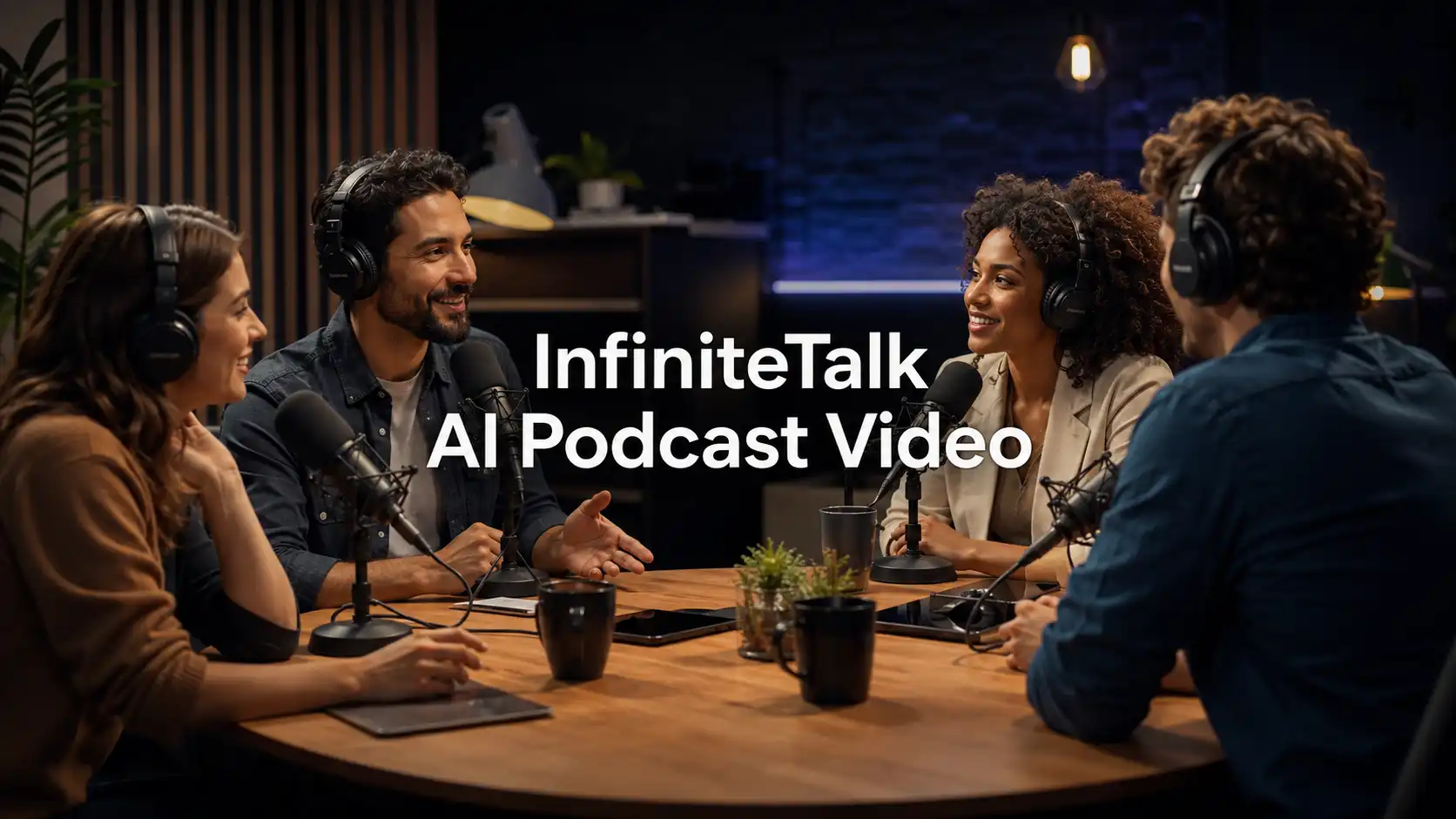
Podcasts are becoming more visual. Creators are no longer publishing only to audio apps. They are turning interviews, expert talks, business conversations, and creator commentary into YouTube videos, Shorts, Reels, TikTok clips, and website content.
For creators, the message is clear: audio is still powerful, but visual content travels further.
That is where AI podcast videos become useful. With InfiniteTalk AI, an audio-driven video generator, creators can turn podcast audio, voice clips, interviews, or scripted conversations into visual talking avatar content without filming every episode in a studio.
What Are AI Podcast Videos?
Turn voice into visual presence.
An AI podcast video is a video created from podcast audio, interview recordings, voiceovers, or dialogue scripts using AI-generated presenters, avatars, characters, or visual scenes.
The goal is not to replace the podcast. The goal is to make your best audio easier to watch, share, and repurpose.
A traditional podcast is made for listening.
An AI video podcast is made for discovery.
Why Should Creators Turn Podcasts into AI Videos?
One conversation, various video assets.
Podcast creators often struggle with distribution. A full episode may contain great insights, but long audio is not always easy to promote on video-first platforms.
AI podcast videos help solve several practical problems.
Create Video Without Filming
Not every creator wants to appear on camera. Some podcasters record remotely, use audio-only interviews, or prefer a faceless content workflow.
With a podcast-to-video AI workflow, creators can turn audio into a visual conversation using a host image, guest avatar, brand character, or source video.
This is useful for:
faceless podcast channels
solo creators
remote interview shows
business podcasts
newsletter creators
educators and coaches
Repurpose Long Episodes Faster
A one-hour episode can become:
a full AI video podcast
5–10 short podcast clips
YouTube Shorts
Instagram Reels
TikTok videos
LinkedIn thought leadership clips
website explainer videos
Instead of creating every video from scratch, you can build a repeatable audio-to-video content system.
Abstract Ideas Easier to Understand
Some podcast topics are hard to promote with text alone. A visual presenter, captions, topic cards, and speaker labels can help viewers understand the message faster.
This works especially well for:
AI tool discussions
SaaS education
founder interviews
expert Q&A
finance explainers
business strategy podcasts
health and wellness education
creator economy commentary
Build a consistent podcast identity
A recurring AI host, avatar, or branded presenter can make your podcast clips more recognizable.
For example, a creator might use:
one professional host avatar for serious interviews
one playful character for entertainment clips
one brand spokesperson for company updates
The key is consistency. Viewers should recognize the style before they read the title.
Create Multi-Speaker Podcast Conversations
Many podcasts are built around two or more voices, not a single narrator. Instead of showing only one avatar speaking, MultiTalk helps create a more natural AI conversation video where different speakers can take turns, respond, and stay connected to the right audio.
This is especially useful for:
AI podcast interview videos
host-and-guest conversation clips
expert Q&A videos
multi-person podcast highlights
AI dialogue video content
This makes podcast content feel closer to a real interview or discussion, while still fitting a fast podcast-to-video AI workflow.
Try MultiTalk Video Generator NOW👉
How to Create AI Podcast Videos Step by Step?
Start with the best moment, not the longest episode.
Step 1: Choose the podcast video type
Pick one clear goal before generation:
Full video podcast: Turn a complete episode into a visual format.
Podcast highlight clip: Use one strong moment from a long episode.
AI interview video: Show a host and guest conversation.
Faceless podcast video: Use avatars instead of filming yourself.
AI podcast explainer: Turn one topic into a short educational clip.
AI character podcast: Use a fictional character or talking baby for social content.
For most creators, short clips are the best starting point because they are easier to test.
Step 2: Select a strong audio segment
Choose audio with a clear hook.
Good moments include:
a surprising opinion
a strong question
a funny reaction
a practical tip
a founder insight
a customer story
a myth-vs-truth moment
a clear lesson
If the audio takes too long to reach the point, edit it first.
Step 3: Prepare clean podcast audio
Audio quality matters more than visual complexity.
Use audio with:
clear speech
stable volume
low background noise
natural pacing
minimal speaker overlap
strong speaker separation
For AI interview videos, separate host and guest tracks are especially helpful.
Step 4: Choose the right visual style
Your avatar or scene should match the podcast topic.
a professional host avatar for business content
a clean studio-style presenter for interviews
a friendly creator avatar for casual commentary
a branded spokesperson for company podcasts
a playful character for entertainment clips
The visual should support the message, not distract from it.
Step 5: Add a prompt that controls the scene
A good prompt should describe the speaker, setting, tone, and delivery style.
Weak prompt:
A person talks in a podcast.
Better prompt:
A confident podcast host speaks into a professional microphone in a modern studio, explaining one surprising business insight with calm energy and natural facial expressions.
For a MultiTalk-style interview:
A friendly podcast host interviews a startup founder in a modern studio. The host asks concise questions, and the founder answers clearly with natural gestures.
Top AI Podcast Video Use Cases
Different podcast goals need formats.
Here are practical formats creators can use without repeating the same type of talking avatar video.
AI podcast interview videos
Use this for expert discussions, founder interviews, creator interviews, and industry Q&A.
✅ Best for:
YouTube clips, thought leadership, newsletter embeds, LinkedIn posts.
💡 Tip: Give each speaker a clear role. The host asks short questions. The guest provides insight, examples, and opinions.
Podcast highlight clips
Use this when one short moment is stronger than the full episode.
✅ Best for:
Shorts, Reels, TikTok, YouTube previews, social promotion.
💡 Tip: Start with the strongest sentence. The first three seconds should explain why the viewer should keep watching.
AI talking baby
Use this for playful, meme-style social content.
The AI baby podcast trend became popular because it creates a funny contrast: a cute baby-style character appears in a serious podcast setup and speaks with unexpected confidence.
🔊 For safer content creation, use an original synthetic baby character instead of copying a real person’s likeness.
✅ Best for:
Comedy clips, parenting humor, reaction videos, viral podcast intros, entertainment accounts.
💡 Tip: Keep the script short. The humor should come from contrast, timing, and facial expression.
Prompt example:
A cute synthetic baby podcast host sits at a professional studio desk, wearing headphones and speaking confidently into a microphone. The tone is funny, polished, and social-media friendly.
Business podcast explainers
Use this for SaaS, agencies, coaches, consultants, founders, and B2B creators.
✅ Best for:
Website clips, founder updates, product education.
💡 Tip: Focus on one business problem and one practical takeaway. Avoid making the clip feel like an ad.
Educational podcast videos
Use this for teaching, training, online courses, career advice, language learning, and AI education.
✅ Best for:
Course clips, learning recaps, YouTube explainers, student-friendly social videos.
💡 Tip: Use a simple structure: question → answer → example → takeaway.
Fictional podcast characters
Use this for storytelling, game characters, animated interviews, and social series.
✅ Best for:
Short drama dialogue, character channels, creator experiments, fictional interviews.
💡 Tip: Give each character a distinct personality. One can be curious, another skeptical; one can be funny, another serious.
What Mistakes Should You Avoid?
Better podcast videos come from sharper creative choices.
❗ Starting with a full episode too soon
Long videos take more time to review and polish.
✅ How to Fix:
Start with short clips. Test hooks, avatar styles, captions, and topics first.
❗ Choosing weak audio
AI video cannot fix boring content.
✅ How to Fix:
Choose moments with tension, humor, emotion, insight, or a clear lesson.
❗ Making the scene too busy
Too many characters, panels, or visual effects can distract viewers.
✅ How to Fix:
Use a clean podcast studio, simple background, and clear speaker focus.
❗ Ignoring captions
Many viewers watch short videos without sound at first.
✅ How to Fix:
Add subtitles, speaker labels, topic titles, and key takeaway cards.
❗ Using the wrong avatar style
A playful baby character may work for a comedy clip, but not for a serious B2B interview.
✅ How to Fix:
Match the avatar to the audience, topic, and platform.
❗ Copying real people without permission
Podcast-style AI content can create trust issues if it imitates a real person without consent.
✅ How to Fix:
Use original avatars, licensed visuals, your own image, approved brand presenters, or synthetic characters.
More formats create more opportunities.
AI podcast videos help creators get more value from content they already have.
If you already have:
podcast recordings
interview audio
webinar clips
expert conversations
business scripts
newsletter ideas
teaching materials
short voice notes
You can turn them into visual podcast content for more platform.
For creators, this means more consistent publishing without filming every week.
For businesses, it means turning expert knowledge into polished video assets.
For marketers, it means testing more hooks, presenters, characters, languages, and formats faster.
InfiniteTalk AI gives creators a simple way to move from audio-only publishing to visual podcast creation while keeping the workflow practical:
prepare audio
choose a presenter
guide the scene
generate your video
Turn audio into presence. Turn conversations into clips. Turn podcast ideas into growth.
Related Articles
How to Create AI Sales Videos for Business with InfiniteTalk
Learn how to create AI sales videos for business with talking avatars, voiceovers, natural lip sync, and repeatable sales video workflows.
AI Lip Sync Best Practices with InfiniteTalk AI
This guide shares InfiniteTalk AI lip sync best practices for creating more natural, polished, and business-ready talking videos.