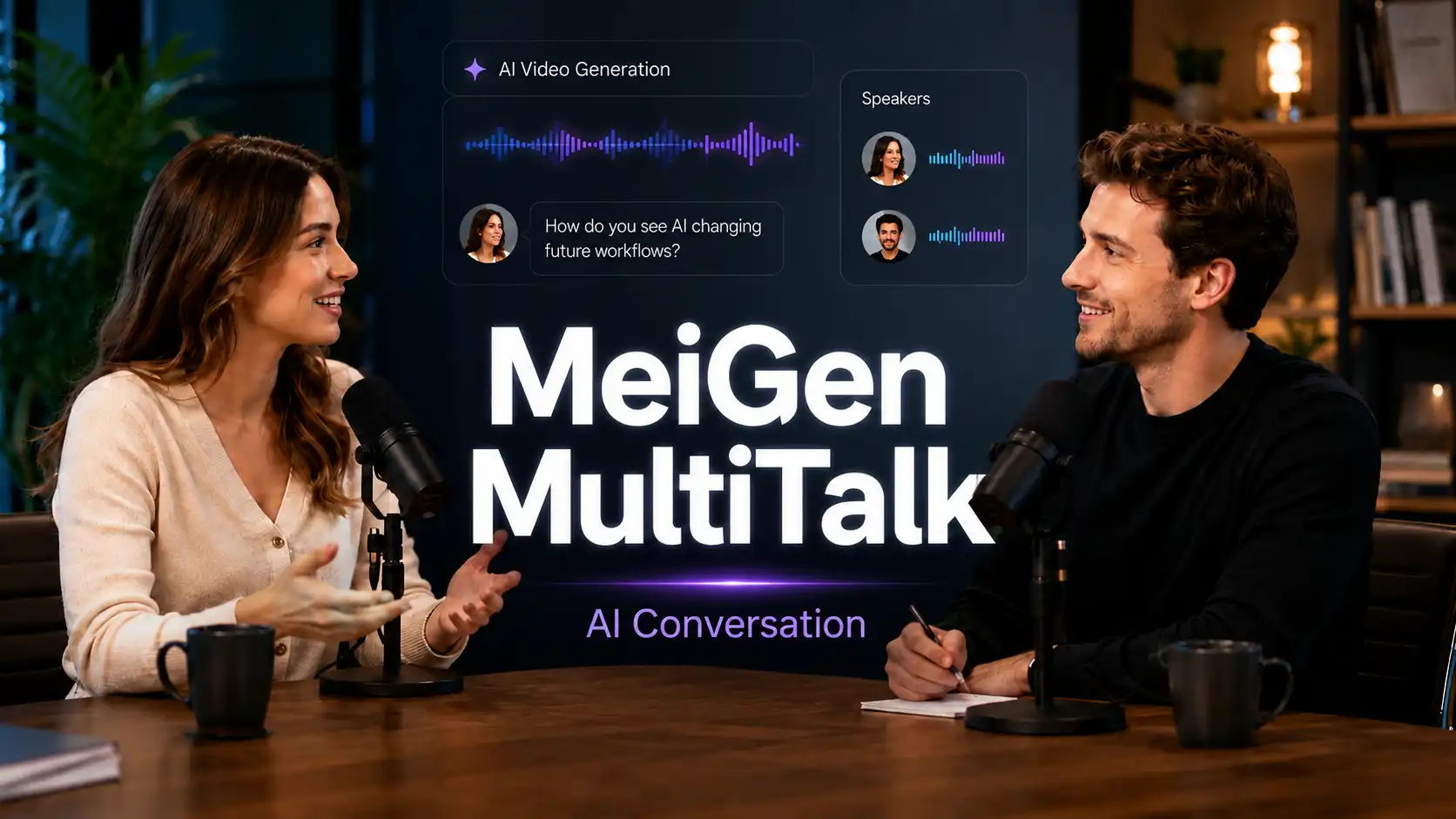
Single avatars explain. Multi-person avatars interact.
For many creators, a single-speaker video is useful, but not always enough. Real communication happens when people ask, answer, react, and respond to each other.
That is where AI conversation videos become valuable.
MeiGen MultiTalk is designed for this kind of multi-person, audio-driven conversation video generation. Including multi-character lip-sync, realistic dialogue or duet videos, multiple voices, natural conversation flow, and timing synchronization.
What is AI Conversation Video?
Turn scripts into interaction.
An AI conversation video is a video where two or more AI-driven characters speak, respond, and interact in the same scene.
Common formats include:
AI interview videos
AI podcast discussion videos
AI sales roleplay videos
AI customer support dialogue videos
Teacher-student Q&A videos
Product explainer conversations
Short drama or character dialogue videos
💡 The key difference is simple:
A single avatar is good for announcements, tutorials, and direct explanations.
A multi-person AI video is better when the content needs questions, contrast, emotion, or role-based communication.
What is MeiGen MultiTalk?
Best AI Conversation Video Generator
MeiGen MultiTalk is built for audio-driven multi-person conversational video generation.
It takes multi-stream audio, a reference image, and a prompt, then generates a video where multiple people interact while their lip motions stay aligned with the corresponding audio.
This matters because multi-person video generation is harder than single-person talking avatar generation.
❔ The model needs to understand:
Who is speaking
Which audio belongs to which person
How characters should interact
How the scene should follow the prompt
How to keep lip-sync accurate for different speakers
Behind the scenes:
The key technical point is L-RoPE, or Label Rotary Position Embedding. It helps MultiTalk bind each audio stream to the correct person, reducing common problems such as the wrong character moving their mouth or multiple speakers reacting to the same voice.
That means MultiTalk is not just a “two avatars speaking” feature. Its value is in creating speaker-aware dialogue videos where different people can take turns, respond, and appear connected inside one scene.
Best Use Cases for MultiTalk AI Conversation Video
Below are six practical scenarios showing when to choose MultiTalk and how to use it.
AI Podcast and Interview Videos
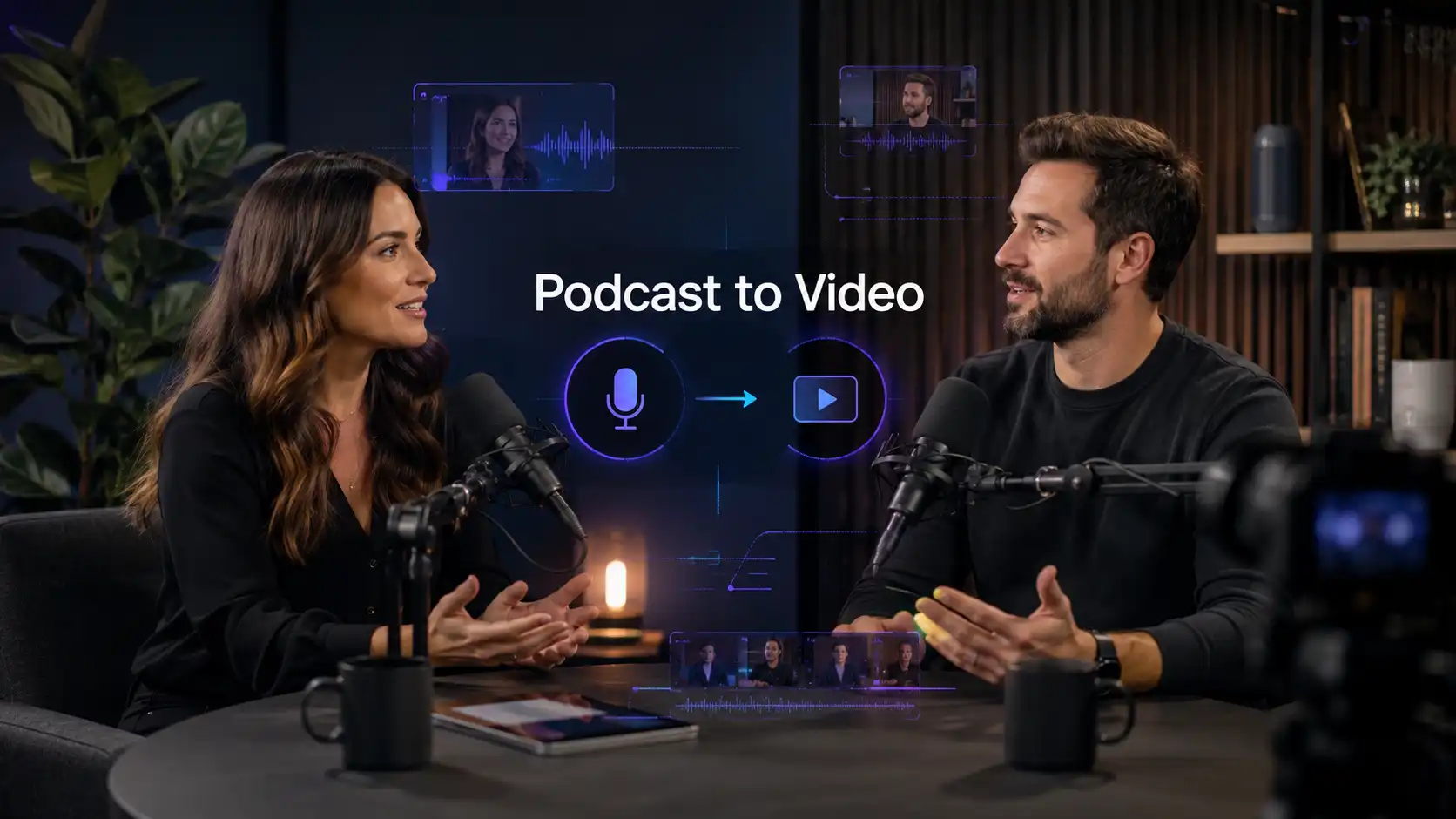
Turn audio discussions into visual conversation clips.
Podcast creators often have strong audio content, but audio alone can be harder to promote on video-first platforms.
MultiTalk can help turn host-guest audio, expert interviews, founder conversations, or industry discussions into visual AI interview videos.
✅ Best for:
podcast highlight clips
founder interviews
expert Q&A videos
thought leadership content
newsletter or community video assets
💡 Creation tip:
Give each speaker a clear job.
The host should ask short, focused questions.
The guest should provide deeper answers, examples, or opinions.
This keeps the video moving and prevents the dialogue from feeling like two long monologues.
💻 Prompt example:
A professional podcast host interviews a startup founder in a modern studio. The host asks concise questions, and the guest answers confidently with natural gestures.
AI Sales Roleplay Videos
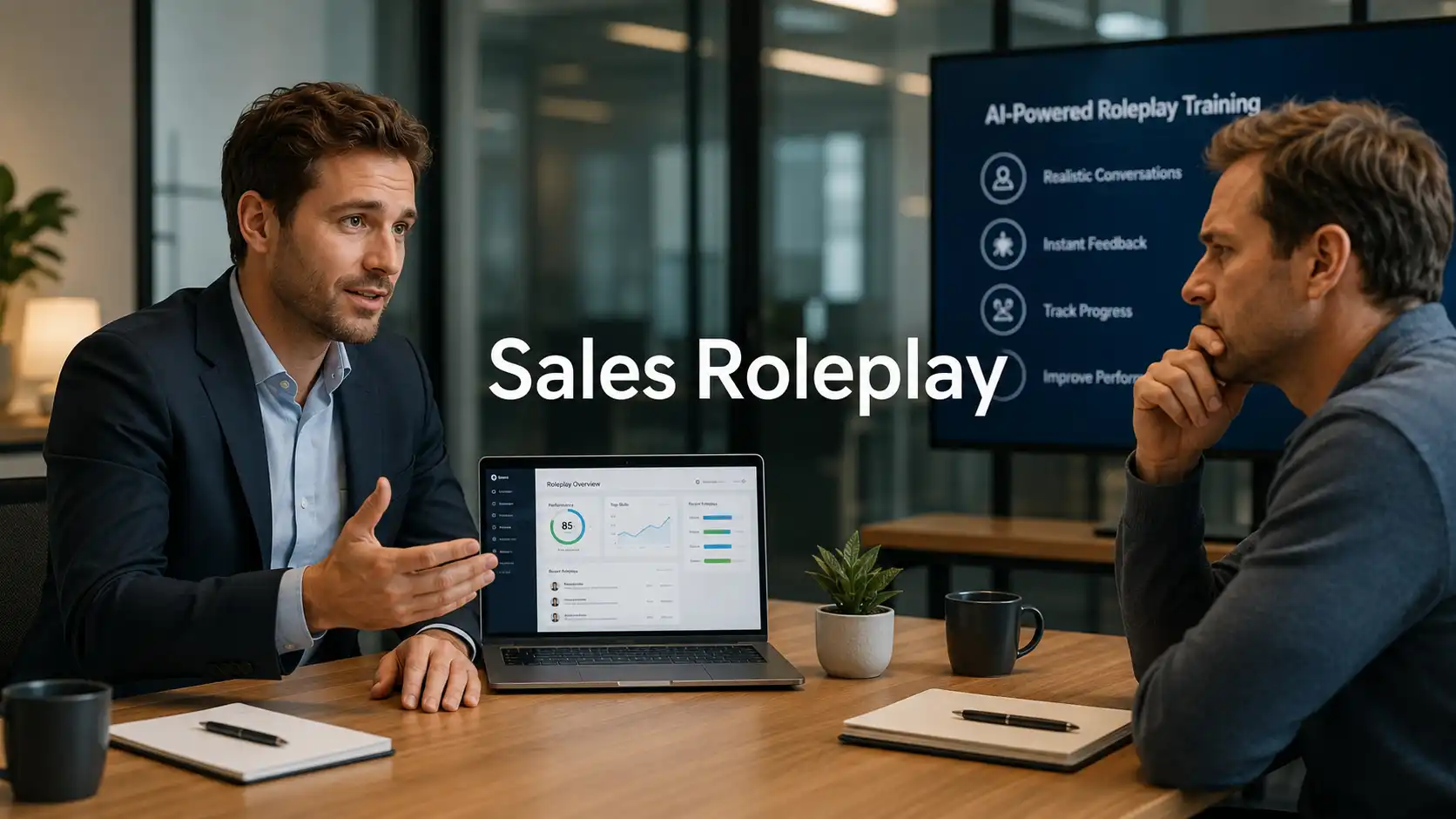
Practice real buyer conversations
Sales teams often need to practice pricing objections, product comparisons, timing concerns, and trust issues.
Instead of using static training documents, businesses can create AI sales roleplay videos where one character acts as the sales representative and the other acts as the customer.
✅ Best for:
pricing objection training
Demo call practice
client proposal scenarios
agency sales training
B2B follow-up conversations
💡 Creation tip:
Build the dialogue around one objection only.
Do not cover pricing, timing, features, budget, and competitors in the same short video. One clear conflict makes the roleplay more realistic and easier to learn from.
💻 Prompt example:
A calm sales consultant explains the value of an automation tool to a skeptical business customer who is concerned about price. The conversation feels professional, practical, and realistic.
AI Customer Support Dialogue Videos
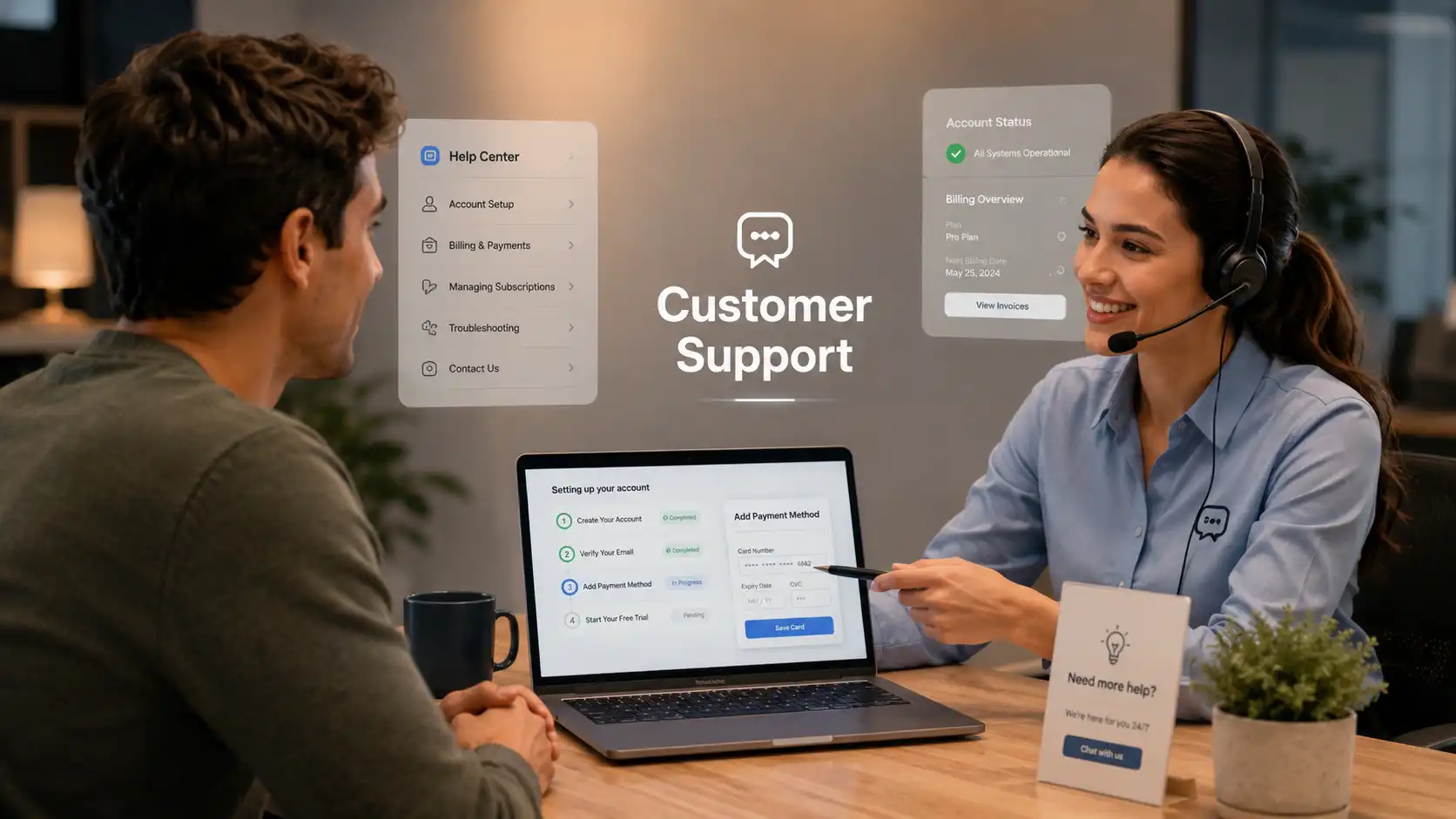
Help customer in one Conversation.
Customer support content often works better when viewers hear the problem in plain language first. With MultiTalk, one character can act as the customer and the other can act as the support agent.
This is different from a normal FAQ video. Instead of only explaining the answer, the video can show the customer’s confusion, the agent’s response, and the exact next steps.
✅ Best for:
billing questions
setup issues
refund guidance
account problems
product troubleshooting
help center dialogue videos
💡 Creation tip:
Let the customer describe the issue like a real user would.
Then let the support agent answer with short, step-by-step guidance. Add captions, step labels, or screenshots after generation if the topic involves software or product operations.
💻 Prompt example:
A friendly support agent explains how to update billing information to a confused customer. The customer asks simple questions, and the agent responds with clear step-by-step instructions.
AI Education Q&A Videos
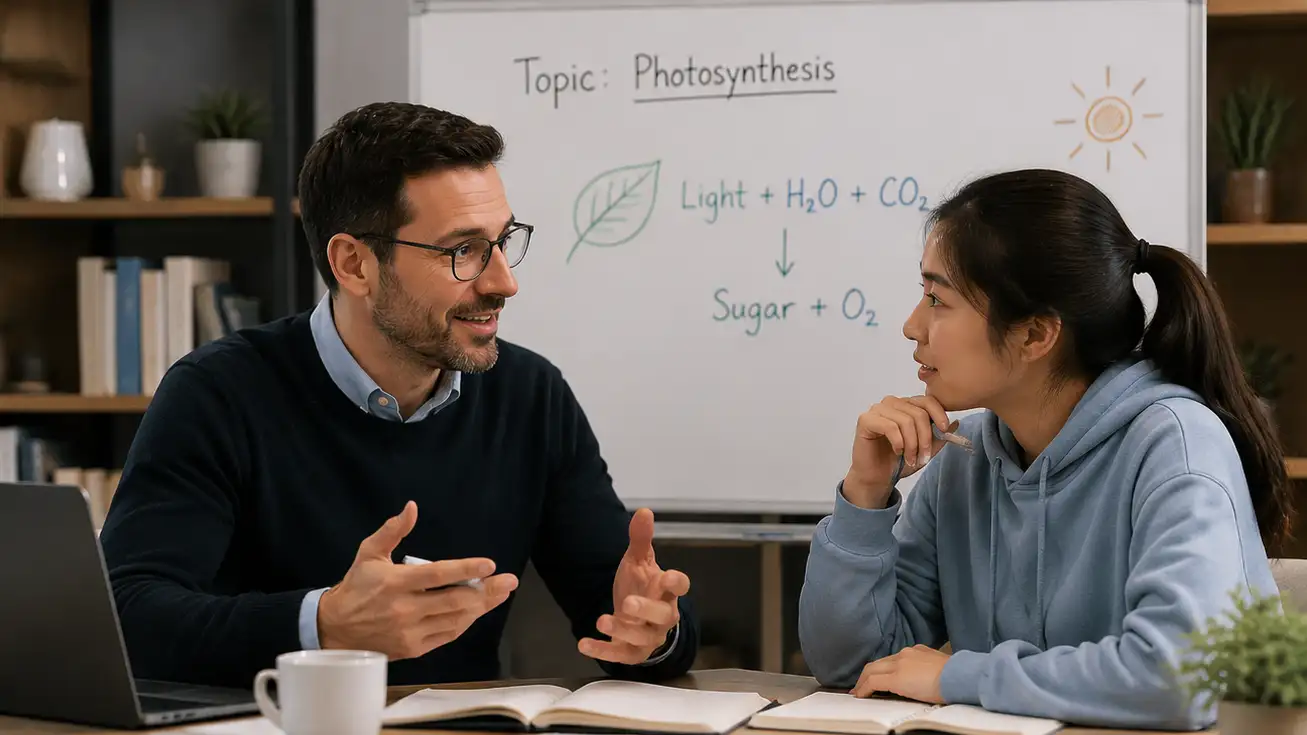
Make learning easier through questions and answers.
Many learners understand better when information is presented as a dialogue.
This format is especially useful for online courses, language learning, professional training, and educational social content.
✅ Best for:
teacher-student lessons
course FAQ videos
language learning dialogues
expert-beginner explainers
training recap videos
💡 Creation tip:
Do not make both characters sound equally knowledgeable.
The student should ask simple, realistic questions. The teacher should explain with examples, short steps, and clear takeaways.
💻 Prompt example:
A patient online teacher explains a difficult concept to a beginner student. The student asks practical questions, and the teacher answers in a friendly, easy-to-understand way.
AI Product Explainer Dialogues
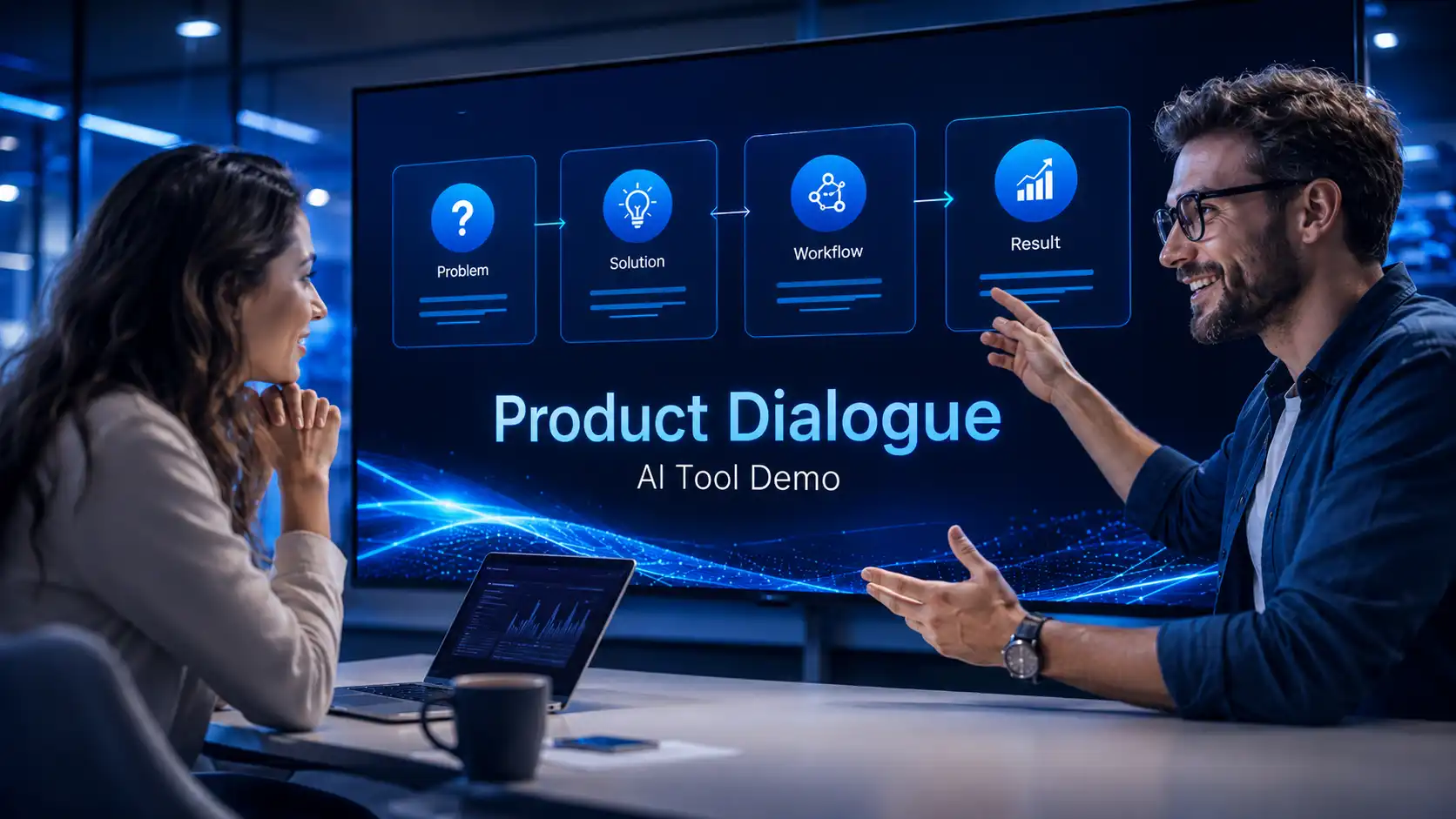
Explain products through real user questions.
A product explainer does not always need to sound like a pitch.
In many cases, a dialogue feels more natural. One character can represent the user’s doubts, while the other explains the product value, workflow, and result.
✅ Best for:
Hi-tech product explainers
app walkthroughs
AI tool introductions
feature comparison videos
buyer education clips
💡 Creation tip: Use a simple structure:
User pain point → Product answer → Example use case → Next action
Keep the conversation practical. Avoid turning every answer into a hard sales claim.
💻 Prompt example:
A potential user asks why they need this AI tool. A product specialist explains the problem it solves, shows a simple workflow, and ends with a clear next step.
AI Short Drama and Character Dialogue
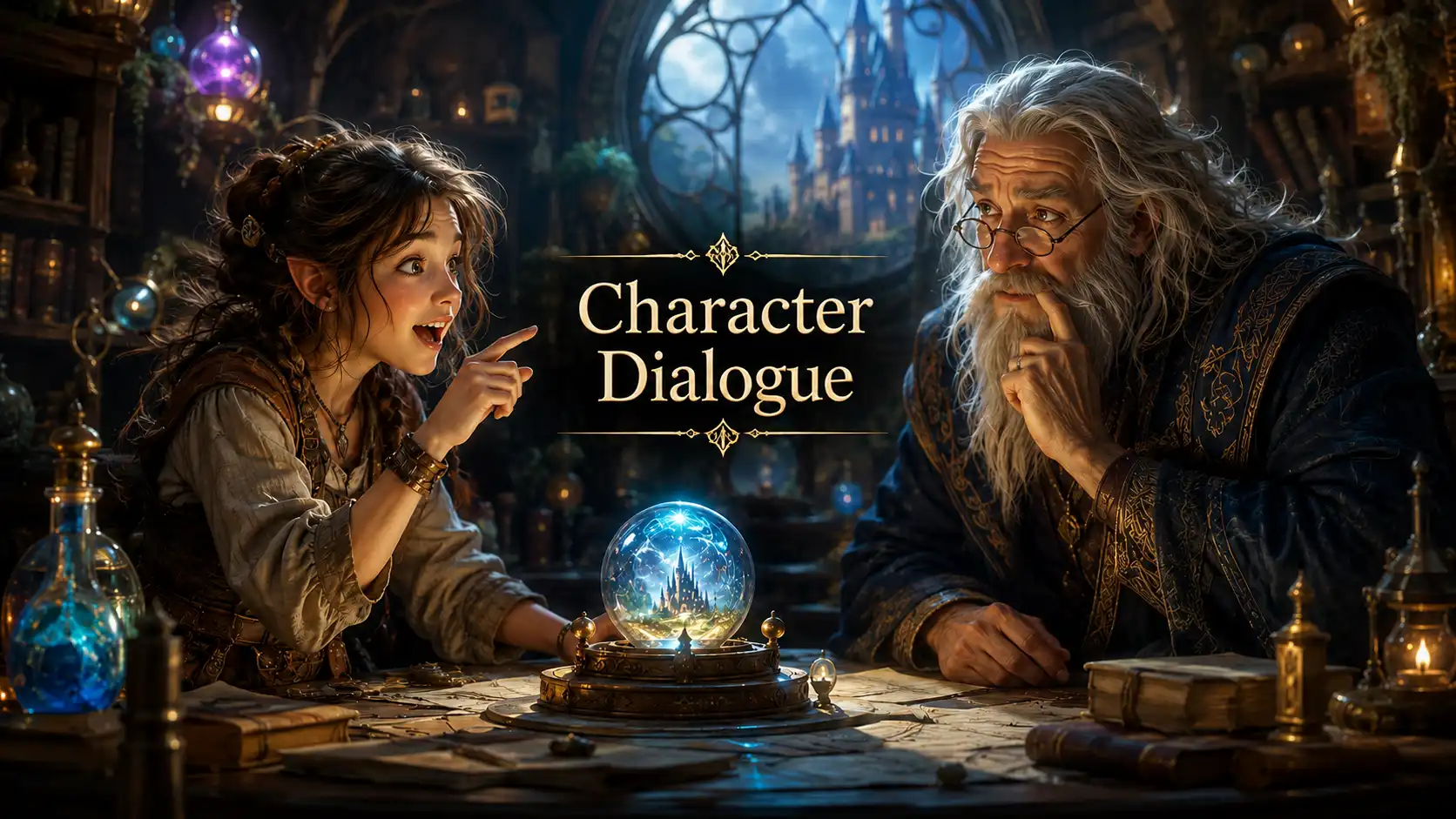
Character contrast makes stories more memorable.
MultiTalk can also support creative videos, short drama scenes, fictional interviews, character conversations, and social storytelling clips.
✅ Best for:
short drama dialogue
AI influencer skits
game character conversations
fictional interviews
social media story clips
💡 Creation tip:
Give each character a different personality.
One can be curious, skeptical, funny, serious, emotional, or confident. Strong contrast makes the short scene easier to remember.
💻 Prompt example:
Two animated characters discuss a surprising discovery in a playful fantasy setting. One character is curious and energetic, while the other is calm, serious, and slightly skeptical.
How to Prepare a Multi-Person AI Conversation Video?
Good dialogue videos start before generation.
MultiTalk can help generate multi-person AI dialogue videos, but the final result depends heavily on how you prepare the scene, audio, roles, and prompt.
Step 1: Choose one clear conversation goal
Do not start with “two people talking.” Start with the purpose of the scene.
💡 Ask yourself:
Is this an interview?
Is this a sales roleplay?
Is this a customer support video?
Is this a teacher-student lesson?
Is this a product explainer?
Is this a short story scene?
One video should have one main goal.
Step 2: Define the speaker roles
Each speaker should have a different function.
💡 For example:
Host asks, guest explains.
Customer complains, support agent solves.
Student asks, teacher teaches.
Buyer doubts, sales rep responds.
User struggles, product expert guides.
If both characters sound the same, the dialogue will feel weak.
Step 3: Prepare separate audio tracks
Multi-person AI conversation videos work best when each speaker has a clear voice track. Avoid messy audio, overlapping speech, loud background noise, or unclear pronunciation.
💡 Good audio should have:
clear speech
natural pauses
different voice tones
stable volume
clean timing between speakers
The more clearly each speaker is separated, the easier it is to create a believable conversation.
Step 4: Prepare a strong reference image
The character image should make the relationship easy to understand.
💡 For example:
host and guest sitting in a studio
customer and support agent in a help setting
teacher and student in a classroom
two presenters in a product discussion
two characters facing each other in a story scene
Avoid overly crowded images. The viewer should quickly understand who is speaking and where the interaction happens.
Step 5: Write a prompt that controls interaction
💡 A good prompt should describe:
who the speakers are
where the scene happens
how they interact
what tone the conversation should have
what the viewer should feel
❌ Weak prompt:
Two people talking.
✅ Better prompt:
A customer asks a support agent how to fix a login error. The support agent responds calmly with step-by-step instructions in a clean help center environment.
The second prompt gives the model a scene, roles, topic, tone, and interaction goal.
What Mistakes Should You Avoid and How to Fix it?
To create better MultiTalk videos, avoid these common mistakes.
❗ Making both speakers too similar
If both characters use the same tone, same vocabulary, and same level of knowledge, the conversation feels flat.
✅ Fix:
Give each person a clear role, emotion, and purpose.
❗ Covering too many topics
A short dialogue should not explain everything.
✅ Fix:
Focus on one question, one objection, one feature, one lesson, or one scene.
❗ Writing unnatural speech
Long written sentences can sound stiff when spoken.
✅ Fix:
Use shorter lines, natural pauses, and conversational wording.
❗ Forgetting the viewer’s need
The video should not only show two people talking. It should help the viewer understand something.
✅ Fix:
Start from the audience’s question, not from the tool’s feature.
❗ Using a weak prompt
If the prompt does not define the scene, the video may feel generic.
✅ Fix:
Include setting, roles, tone, and interaction goal.
❗ Ignoring captions and structure
Multi-person dialogue can be harder to follow without visual guidance.
✅ Fix:
Add speaker labels, captions, chapter titles, key points, or summary cards.
AI conversation videos make AI content feel more alive.
MeiGen MultiTalk helps your message become stronger through interaction.
For businesses, this can help transform existing scripts, FAQs, training materials, sales conversations, and product education content into reusable video assets.
For creators, it can turn audio ideas and dialogue scripts into more visual, shareable content.
For the InfiniteTalk AI ecosystem, MultiTalk expands the workflow from single-avatar speech to multi-person conversation.
If a single talking avatar explains the message, a multi-person conversation can make the message easier to trust, remember, and share.
Explore More About InfiniteTalk 👉
Create better conversations. Build better videos. Grow with every interaction.
Related Articles
How to Create AI Sales Videos for Business with InfiniteTalk
Learn how to create AI sales videos for business with talking avatars, voiceovers, natural lip sync, and repeatable sales video workflows.
AI Lip Sync Best Practices with InfiniteTalk AI
This guide shares InfiniteTalk AI lip sync best practices for creating more natural, polished, and business-ready talking videos.