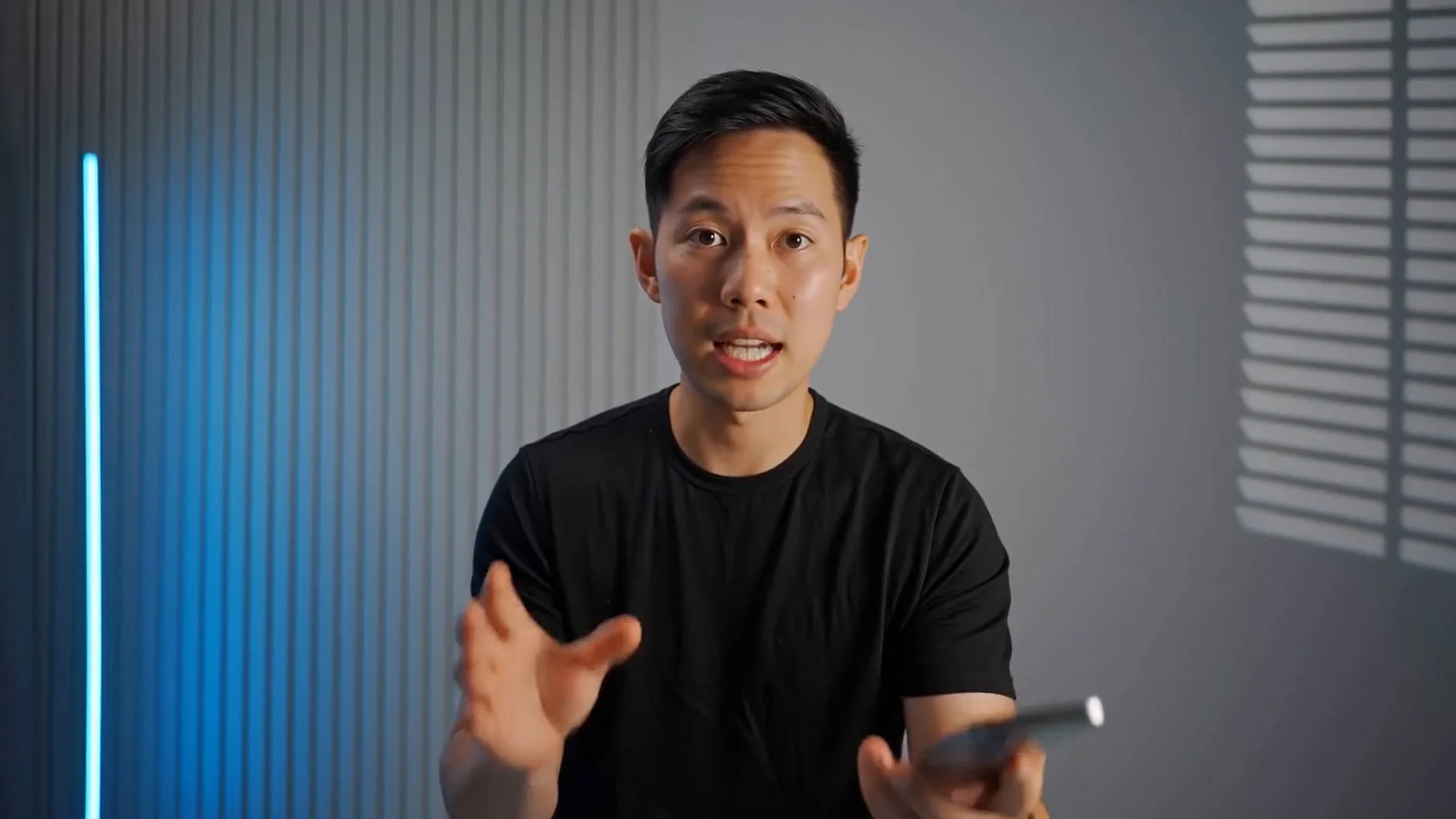
AI talking videos are no longer only about short lip-sync clips. More creators now want avatars that can speak for longer without losing visual consistency. This is where InfiniteTalk AI becomes important.
Instead of generating a few seconds of mouth movement, InfiniteTalk AI focuses on infinite speech-driven video creation. It helps turn extended audio, scripts, voiceovers, and narration into natural talking avatar videos.
What is Infinite Speech AI?
Infinite Speech AI means using AI to generate long and continuous talking videos.
It is more than text-to-speech and more than basic AI lip sync.
A complete Infinite Speech workflow connects voice with a visual speaker, then generates a talking video where the avatar can speak naturally for a longer duration.
A strong Infinite Speech workflow usually includes:
Long audio or narration
A portrait, character image, or source video
AI lip sync
Facial expression matching
Head and body motion
Stable speaker identity
Long-sequence video consistency
This is especially useful for content formats such as AI spokesperson videos, podcast avatars, course presenters, product explainers, training videos, multilingual talking videos, and long-form social media content.
Why Do Creators Need Infinite Speech AI?
Short AI talking clips cannot fully support real content production.
Many AI video tools look impressive in a short demo, but creators often need more than a few seconds. A real video may need a full explanation, a clear structure, a product pitch, a tutorial, or a multi-step message.
Common pain points include:
Short clips limit real communication
A short lip-sync clip may work for a meme or quick social post, but it is not enough.
Infinite Speech AI helps creators move from short novelty clips to useful long talking videos.
Long talking videos are hard to keep stable
Longer avatar videos can easily face visual problems, such as:
Identity drift
Unstable facial details
Repeated expressions
Awkward pauses
Weak lip sync
Unnatural body motion
Poor transitions between segments
For viewers, these issues reduce trust. Infinite Speech creation needs stronger stability because the avatar has to remain believable throughout the full message.
Filming every script is too expensive
Creators often need many versions of the same idea:
Different languages
Different hooks
Different products
Different platforms
Different audience segments
Different calls to action
Filming each version manually takes time, money, and coordination. InfiniteTalk AI helps creators reuse visual materials and generate new talking video assets from updated audio.
How to Prepare for Infinite Speech Creation?
Better preparation helps InfiniteTalk AI generate better long talking avatar videos.
Before creating an Infinite Speech video, focus on three core inputs: audio, visual source, and script structure.
✅ Prepare clean audio
Audio quality directly affects the final result.
For better results:
Use clear speech
Avoid background noise
Keep volume stable
Remove echo
Avoid overlapping voices for single-speaker videos
Use natural pacing
Keep pronunciation clear
A clean voiceover gives InfiniteTalk AI stronger audio signals for lip sync, expression, and motion.
✅ Choose a strong visual source
Your image or video should clearly show the speaker.
Good visual sources usually have:
A clear face
Visible mouth area
Stable lighting
Natural posture
Minimal blur
Simple background
Consistent character style
For talking avatars, a front-facing or slightly angled portrait often works better than a chaotic scene.
✅ Structure the script for long speech
Long speech should not feel like one endless block. Break the script into sections.
A useful structure can include:
Opening hook
Main problem
Key explanation
Use case examples
Benefits
Summary
Call to action
This makes the final video easier to watch, edit, and repurpose.
✅ Match the voice to the avatar
The voice should fit the character or speaker style.
For example:
A course avatar needs a clear teaching voice.
A brand spokesperson needs a confident voice.
A podcast avatar needs a conversational voice.
A storytelling character needs emotional rhythm.
A sales avatar needs energy and clarity.
When voice and visual style match, the Infinite Speech video feels more believable.
What Mistakes Should You Avoid in Infinite Speech Videos?
Long talking avatar creation is powerful, but poor preparation can weaken the result.
❌ Do not use messy audio
Avoid audio with:
Loud background noise
Strong echo
Sudden volume changes
Overlapping speakers
Unclear pronunciation
Long silent gaps
Clean audio is one of the easiest ways to improve AI lip sync and talking avatar quality.
❌ Do not overload the script
Longer does not always mean better. A strong Infinite Speech video should still have one clear purpose.
Focus on one goal:
Explain one product
Teach one concept
Promote one offer
Tell one story
Answer one question
Introduce one feature
A focused script makes the avatar easier to watch.
❌ Do not ignore pacing
Speech pacing affects the final viewing experience.
Use:
Short sentences
Natural pauses
Clear transitions
Strong opening lines
Simple explanations
A clear ending
Good pacing helps the avatar feel more human and less robotic.
❌ Do not start with a very long generation
For long Infinite Speech videos, test a short segment first.
Check:
Voice quality
Avatar appearance
Lip sync
Facial expression
Motion style
Pacing
Visual consistency
Once the test looks good, continue with longer content.
❌ Do not use weak visual references
A blurry image, hidden mouth, extreme face angle, or unstable video can reduce quality.
Choose a source that matches your goal.
A business video should look clean and trustworthy.
A character video should have a clear face and expressive design.
A course presenter should look stable and easy to follow.
Create Multi-Person Infinite Speech with MultiTalk
MultiTalk extends speech-driven video creation into multi-person conversations.
MultiTalk is useful when the content involves more than one speaker. It is designed for audio-driven multi-person conversational video generation, where different speakers can be driven by different audio streams.
For creators, this opens more advanced Infinite Speech-style workflows.
Potential uses include:
Two-person podcast avatars
Interview-style videos
AI debate videos
Sales role-play scenes
Virtual classroom discussions
Multi-character storytelling
Duet-style singing or speech videos
Customer support simulation videos
Best Infinite Speech Use Cases with InfiniteTalk AI
The value of InfiniteTalk AI is not only that it can make an avatar speak. It helps creators solve real production problems.
AI Course Instructors
Educators can start with a portrait image, teacher avatar, or source video, then use lesson narration to generate a talking course host.
This works well for:
Online courses
Corporate training
Language learning
Knowledge explainers
Internal education videos
InfiniteTalk AI helps preserve speaker identity, facial appearance, and visual consistency, so the same AI instructor can appear across multiple lessons.
For educators, this means they can create more video lessons without filming every update.
Podcast Talking Avatars
Podcast creators often have strong audio content, but audio alone is harder to share on video-first platforms.
InfiniteTalk AI helps turn voice recordings into AI talking avatar videos with synced lip movement, facial expression, and speaking rhythm.
Creators can repurpose podcast content for:
YouTube Shorts
TikTok
Instagram Reels
One audio recording can become multiple shareable video assets, helping creators get more reach from the same content.
Multilingual Talking Videos
Global creators often need the same message in different languages. Instead of reshooting every version, they can prepare new voiceovers and use InfiniteTalk AI to generate different multilingual talking avatar videos.
This supports:
Global marketing
Cross-border e-commerce
International education
Multilingual YouTube channels
Regional landing pages
InfiniteTalk AI helps maintain the same speaker identity, background, and visual style, making localized content easier to scale.
Character Storytelling and Virtual Hosts
Creators can use a character image, fictional narrator, or virtual host design, then drive the performance with dialogue or narration audio.
This is useful for:
AI influencers
Game characters
Animated explainers
Fictional narrators
Virtual hosts
Short drama dialogue
Character-based social videos
Because speech can guide lip movement, facial expressions, head motion, and upper-body rhythm, the character can feel more expressive and less static.
InfiniteTalk AI’s main advantage is efficiency.
Instead of filming every script, language, product update, or campaign from scratch, creators can prepare audio and visual inputs, then generate new talking video assets.
Keep learning more InfiniteTalk AI tips and explore more AI talking video workflows. Test different audio, script and avatar combinations.
Start creating your Infinite Speech Videos, turning your long speech, voiceover or script into a natural AI talking avatar video.
Related Articles
How to Create AI Sales Videos for Business with InfiniteTalk
Learn how to create AI sales videos for business with talking avatars, voiceovers, natural lip sync, and repeatable sales video workflows.
AI Lip Sync Best Practices with InfiniteTalk AI
This guide shares InfiniteTalk AI lip sync best practices for creating more natural, polished, and business-ready talking videos.