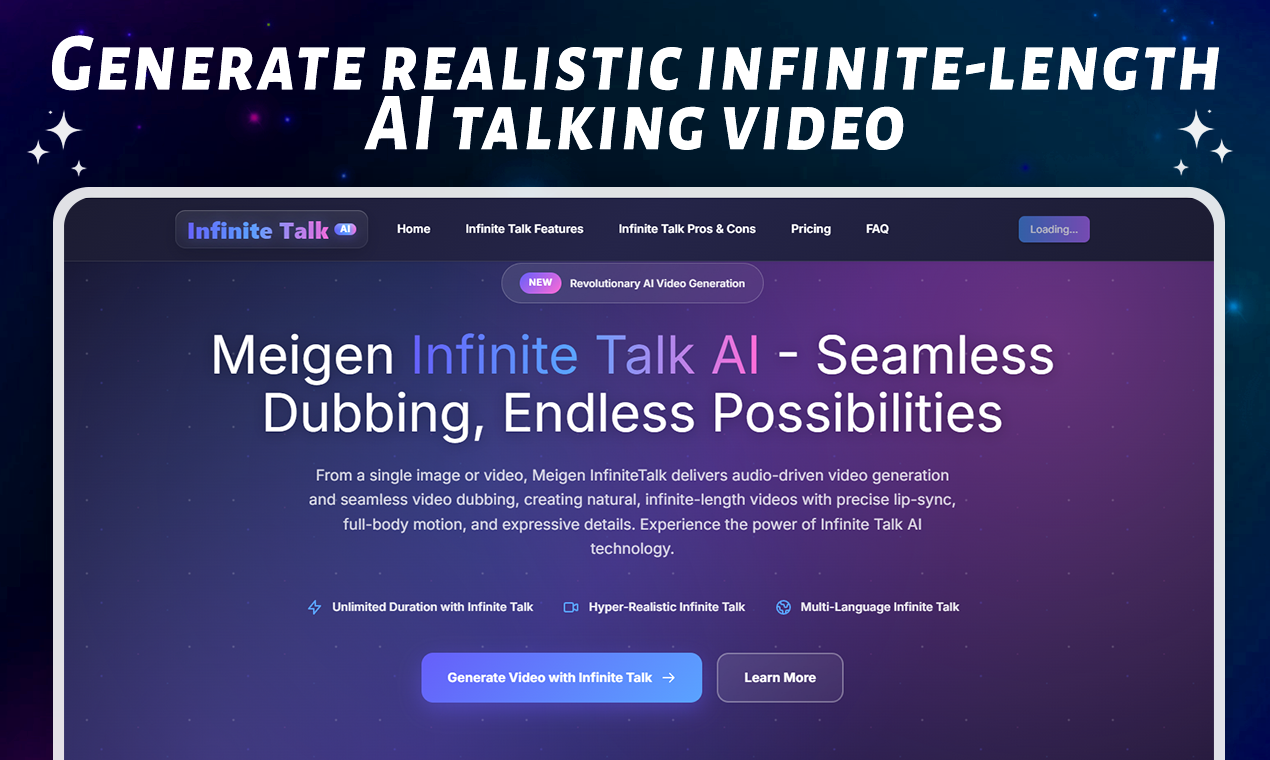
In the world of digital content creation, having a talking avatar is more powerful than ever. With InfiniteTalk AI, you can take a static image — whether it's a photograph, illustration, or character portrait — and transform it into a dynamic, speaking video. The InfiniteTalk Image to Video feature brings together voice, motion, and identity in one seamless process. If you're looking to create realistic talking videos, InfiniteTalk AI is one of the most exciting tools available today.
Explore the platform at InfiniteTalk AI and see how simple it is to animate your images with your own voice.
What Exactly is InfiniteTalk Image to Video?
InfiniteTalk AI uses advanced AI to map audio to motion. By uploading a single image and pairing it with your recorded voice (or script), the system generates a full video where your avatar talks, blinks, and moves in sync with your words. This process isn’t limited to just lip-sync — the engine also synthesizes subtle head turns, shoulder shifts, and natural expressions, making the output feel lifelike.
This InfiniteTalk Image to Video workflow is ideal for creators, educators, marketers, and storytellers who want to bring digital personas to life without hiring animators or voice actors.
Why InfiniteTalk AI Revolutionizes Image-to-Video Animation
1. Realistic Lip Sync and Voice-Driven Motion
One of the biggest challenges in animated dubbing tools is matching the mouth movement to speech. With InfiniteTalk AI, the lip-sync quality is remarkably high — every syllable, inflection, and pause is translated into mouth shapes and facial movements. This fine-grained mapping makes the talking avatar feel genuinely connected to the audio.
2. Full-Body Expression and Head Movement
Beyond just syncing lips, InfiniteTalk’s motion model injects life into avatars by modeling shoulder sways, head tilts, and even eye blinks. The result? Talking videos that don’t just speak — they emote.
3. Long-Form Stability and Consistency
Many Image-to-Video tools struggle when generating longer videos: faces can distort, motion can stutter, or identity might drift. InfiniteTalk AI tackles this by using sparse-frame rendering and identity preservation, enabling continuous, long-form talking videos while keeping the avatar consistent throughout.
4. Versatile Input Options
You can start with a still image — perhaps a headshot or artwork — or you can re-dub a video by uploading new audio. This flexibility is one of the most powerful aspects of InfiniteTalk Image to Video, giving you creative freedom and boosting productivity.
5. Fast Generation & Accessibility
Thanks to efficient rendering, InfiniteTalk AI lets you go from prompt to preview quickly. That means creators don’t need hours to test and refine — instead, you can produce talking videos in minutes. Combined with an intuitive interface, the InfiniteTalk AI platform makes it easy for both beginners and professionals to jump in.
Top Use Cases for InfiniteTalk Image to Video
Here are several ways content creators are leveraging InfiniteTalk Image to Video:
E-learning & Training: Turn lesson scripts into a talking instructor avatar. Perfect for virtual tutors, onboarding, or explainer videos.
Social Media & Branding: Use your character or brand mascot to deliver voiceovers or announcements in a humanlike way.
Localization & Dubbing: Animate translated voiceovers over a consistent avatar, keeping identity intact across languages.
Podcast to Video: Convert podcast audio segments into visual conversations with a digital avatar.
Digital Storytelling: Bring fictional characters or illustrations to life with motion and voice for micro-films or narrative content.
How to Create Your Own InfiniteTalk Image to Video
Go to InfiniteTalk AI and log into the dashboard.
Upload a high-resolution image (character portrait, illustration, or photo).
Record or upload your audio track (voiceover, monologue, or dialogue).
Choose output settings — resolution, motion intensity, and length.
Click “Generate” and watch your image come to life in sync with your voice.
Preview the result, fine-tune the prompt or audio if needed, and re-generate for a polished final video.
Download the final video and use it in your content stack: social media, websites, presentations, or training materials.
Pro Tips for Better InfiniteTalk Videos
Use Clean Audio: High-quality recording (no echo or background noise) leads to more accurate lip-sync and smoother motion.
Provide a High-Quality Reference Image: A well-lit, detailed image helps the model maintain identity and produce more natural motion.
Start with Short Clips: For experimentation, begin with shorter videos (5–15 seconds) to test sync and motion, then scale up.
Refine with Prompt Adjustments: If motion feels too robotic, tweak the prompt or settings to add more natural gestures.
Leverage Community Tutorials: There are user-shared workflows and GitHub-based guides for advanced users who want to refine or batch-render.
Why InfiniteTalk AI Is a Game Changer
By using the InfiniteTalk Image to Video tool, creators no longer need to rely on complicated animation software or extensive manual lip-syncing. The power of InfiniteTalk AI lies in how it bridges voice and visual identity — making dubbing, localization, and talking avatars accessible to everyone.
For those who want to get started, head to InfiniteTalk AI and try generating your first talking video today. Explore its interface, upload your assets, and experience how seamlessly AI can breathe life into static images.
Related Articles
How to Create AI Sales Videos for Business with InfiniteTalk
Learn how to create AI sales videos for business with talking avatars, voiceovers, natural lip sync, and repeatable sales video workflows.
AI Lip Sync Best Practices with InfiniteTalk AI
This guide shares InfiniteTalk AI lip sync best practices for creating more natural, polished, and business-ready talking videos.